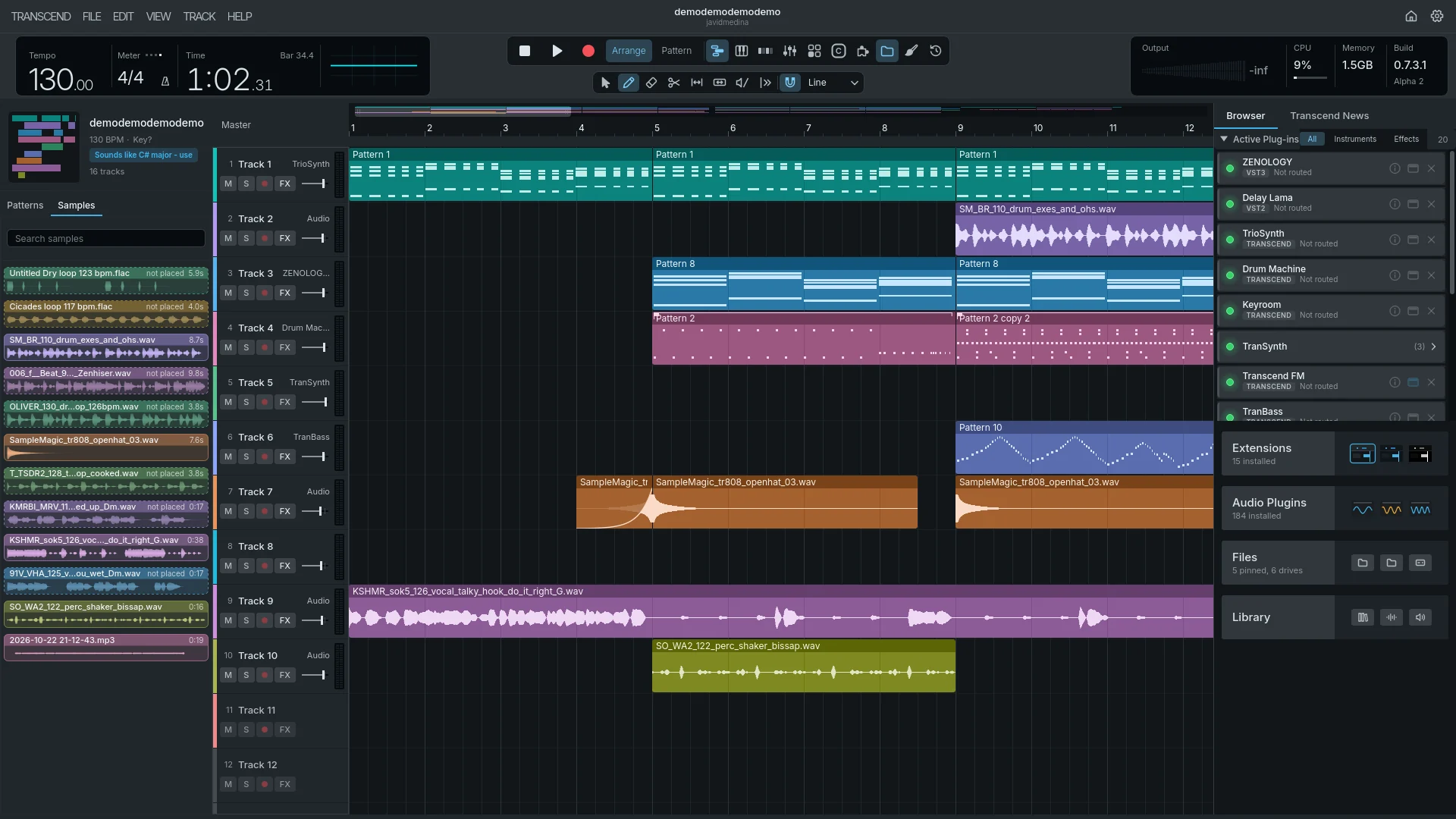

Start fresh,
or bring it all.
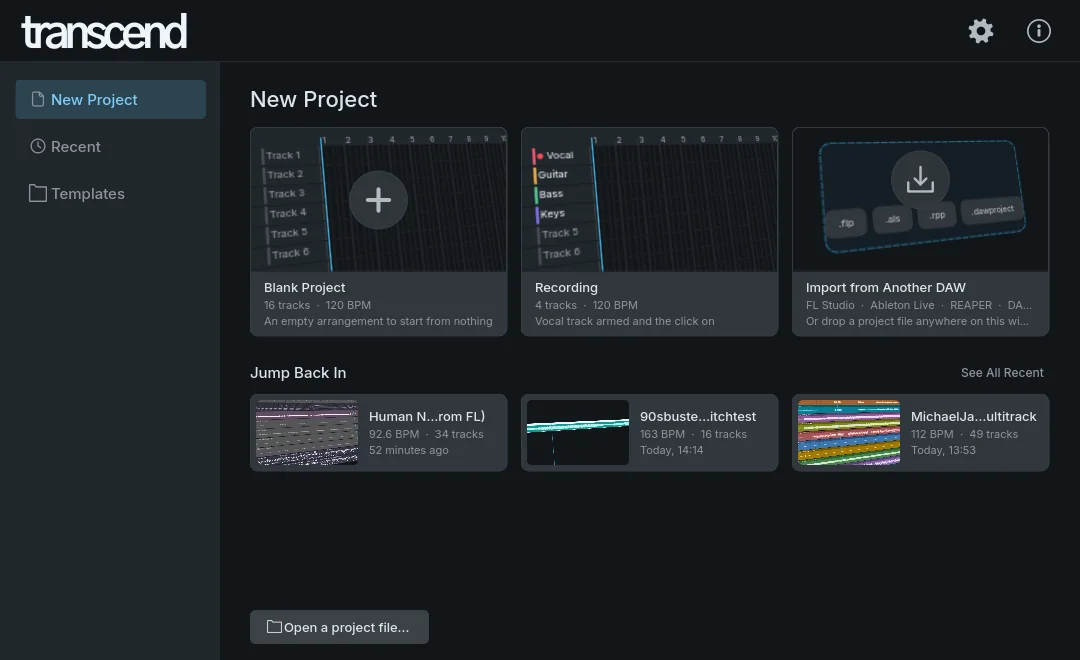
An Innovative DAW built for what’s next, with new features every week. Start from nothing, or bring your FL Studio, Ableton Live, REAPER or Studio One songs, plugins and all. It’s easy to pick up, and what it doesn’t do yet, you can add.
$24.99 during the public beta, $50 from version 1.0. One edition, with everything in it.
$24.99during the public beta
$50 from version 1.0, which is included if you buy now.
Everything.
One edition.
No tiers, and nothing locked behind an upgrade. Use it on up to three computers, and it works offline.
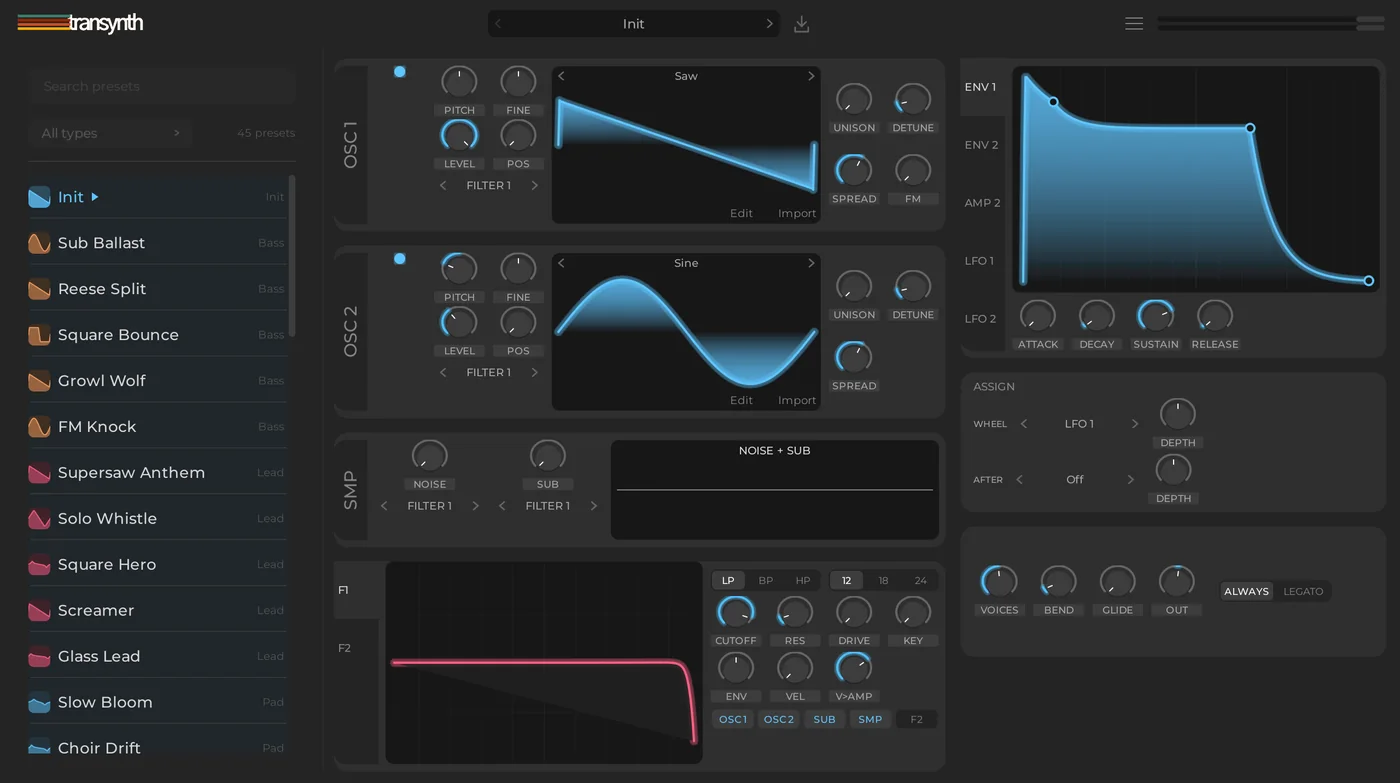
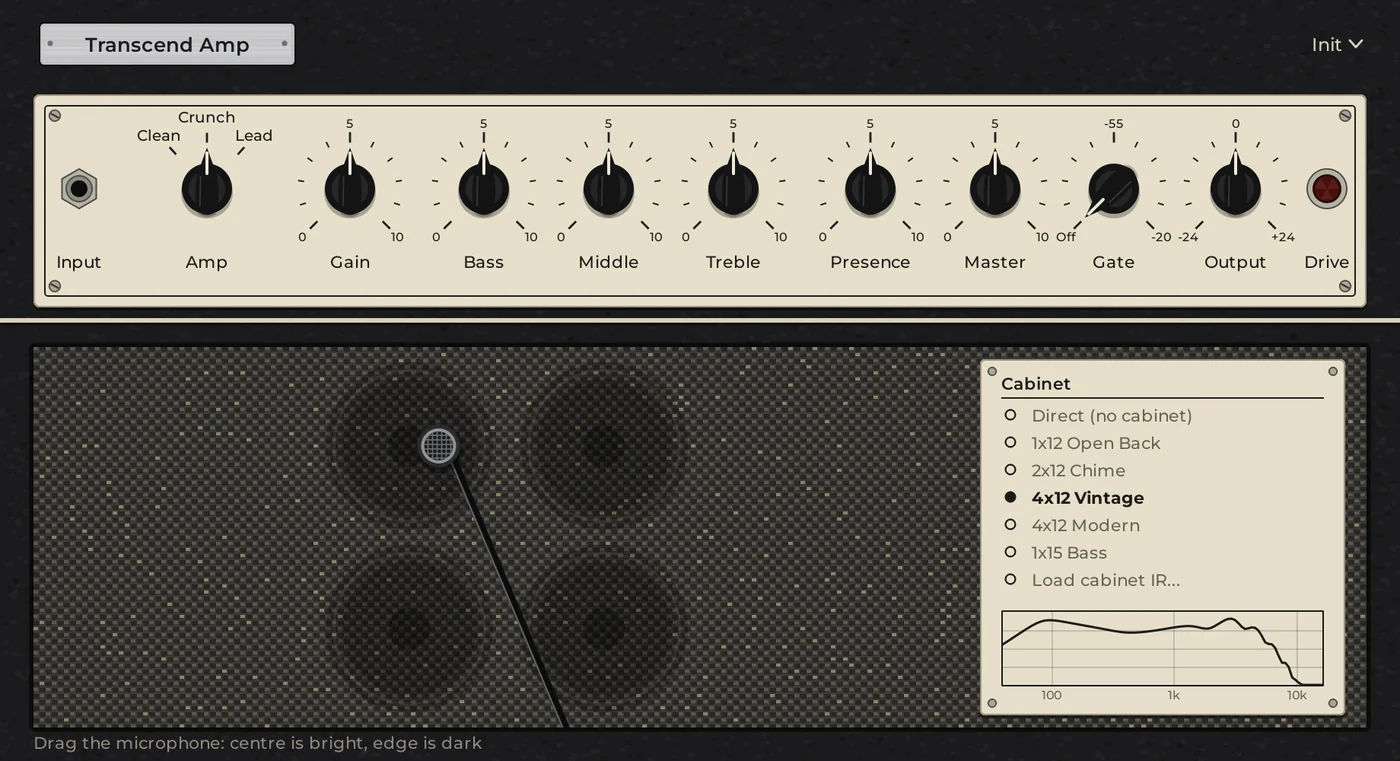
- Every Transcend instrument and effect
- Audio to Instrument and Audio to MIDI
- FL Studio, Ableton Live, REAPER, Studio One and DAWproject import
- Project versions, kept and compared by ear
- Extensions, themes and layouts
- Windows and Mac
Transcend is still in development. Expect rough edges, and keep a backup of songs that matter. Report a bug and it gets fixed fast.
You're buying a licence to use Transcend, not the software itself. See the terms.
Everyone who buys or tests is invited to the Discord, where testers, bug reports and feature ideas shape what comes next.
Prices as of 25 September 2026, for the edition with all of each vendor's own instruments and effects. Pro Tools is a yearly subscription and Studio One is paid again for each new version; the rest are one-time purchases. Transcend's is the public beta price. Point at a row for its update terms.
Nightdrive.flp
Problems
Replaced with Transcend plugins
Transcend plugins standing in for FL’s own, where FL had them.
- Fruity Reeverb 2 → Transcend Reverbon Insert 4, with FL’s settings
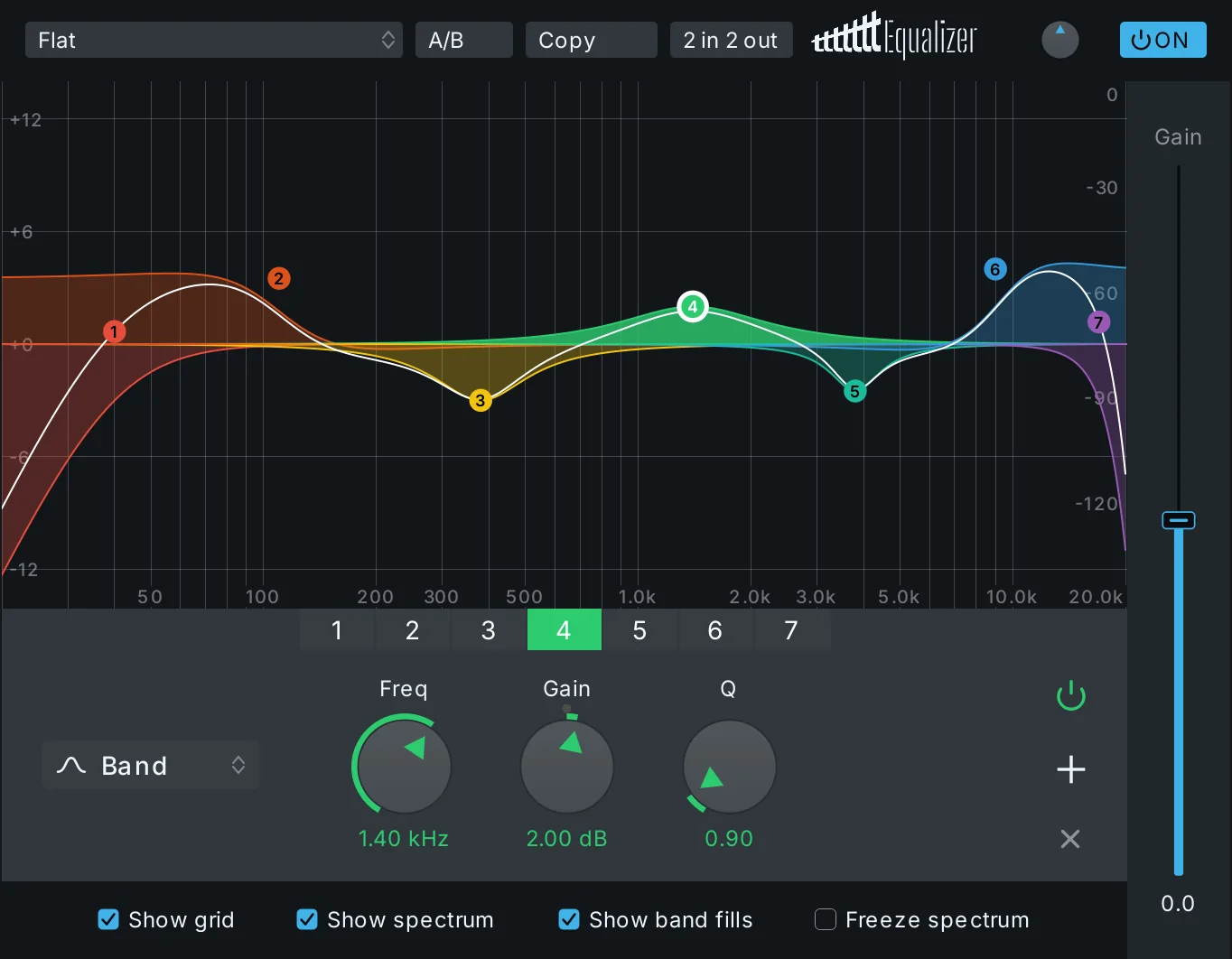
- Fruity Parametric EQ 2 → Transcend EQon Insert 1, with FL’s settings
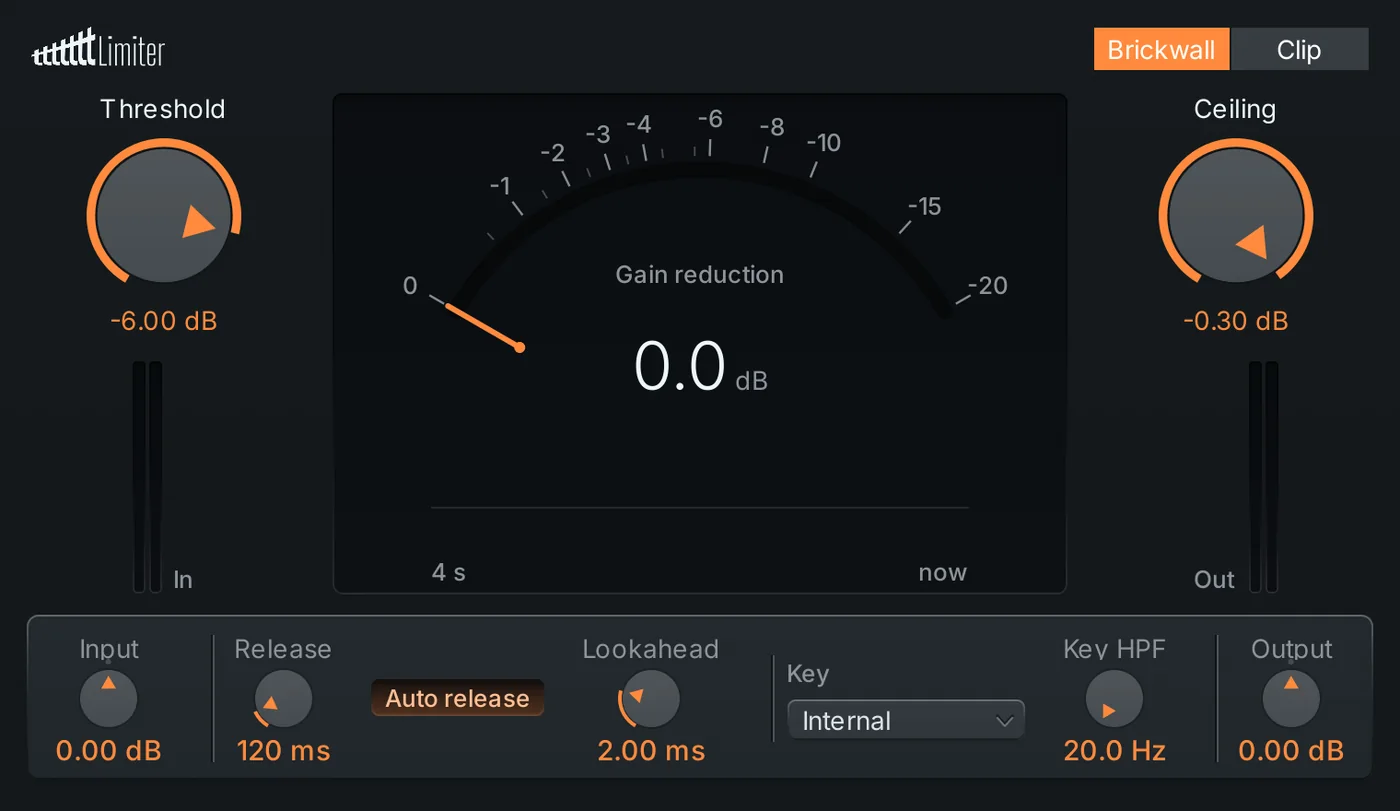
- Fruity Limiter → Transcend Limiteron the master, with FL’s input gain and ceiling
Not imported
- “Lead”: FL Studio’s own FLEX exists only inside FL Studio. Its notes are kept, muted until you pick an instrument.
Approximate
- “Vox Chop” used an FL stretch mode. It plays with Transcend’s Beats stretch.
Good to know
- Saved by FL Studio 2025 (25.2). Tested from FL Studio 12 to FL Studio 2026.
This is a new, unsaved Transcend project. Saving it will ask where to put it; your .flp is never changed.
Illustrative project. The sections and what they report are the importer's own. Click a section to read it.
Your projects come with you.
FL Studio doesn’t open Ableton sets. Ableton doesn’t open FL projects. Transcend opens both, and tells you exactly what came across.
-
.flp
FL Studio
FL Studio 12 to 2026
704 projects read
-
.als
Ableton Live
Live 10 to 12.4.x
1,557 sets read
-
.rpp
REAPER
REAPER 5 to 7.80
2,002 projects open
-
.song
Studio One
Studio One 5.5 to 8.1.2
92 songs read
-
.dawproject
Bitwig, Cubase and more
DAWproject 1.0
the published spec
And to leave: File ▸ Export ▸ DAWproject.
Will my project open?
Drop a project file to see which version wrote it, and whether we’ve tested that version. It never leaves your computer.
- 0.0 dB
- between REAPER’s render and ours, on a REAPER test project
- 0.01 dB
- between Live 12.4.6’s export and ours, on Ableton automation
- 1 dB
- at most, between FL and our rebuilt Soundgoodizer and Multiband
- 19,424
- Ableton effects from our test sets arrive with their settings
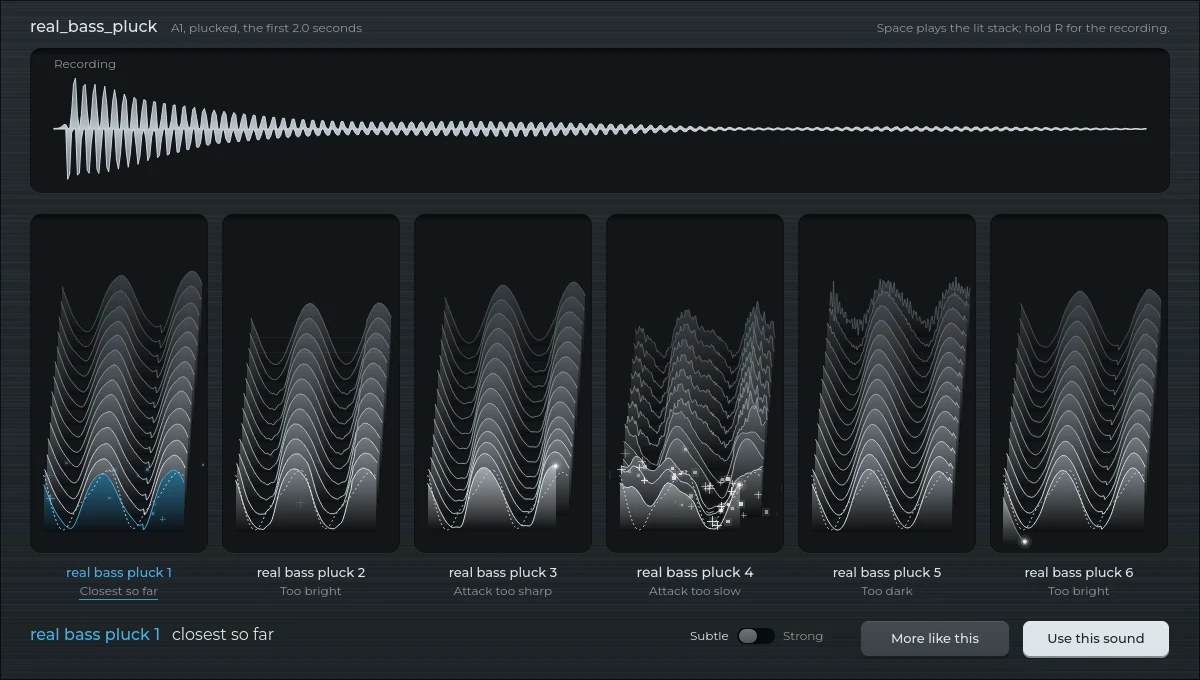
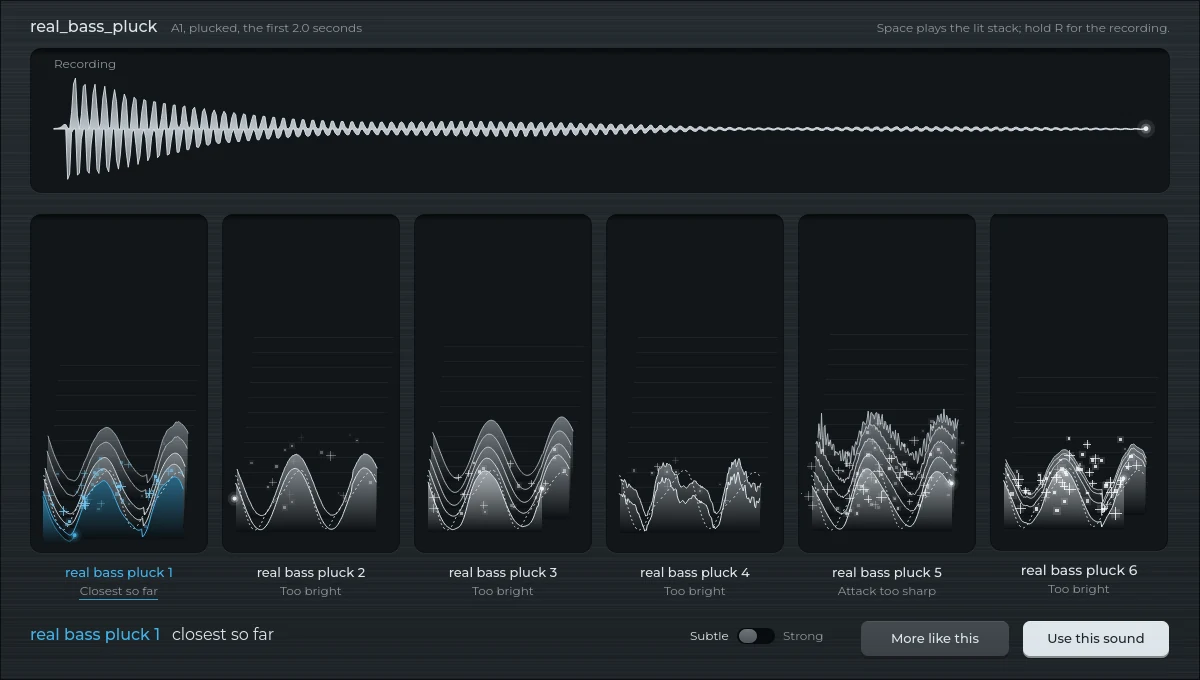
Turn any sound into an instrument.
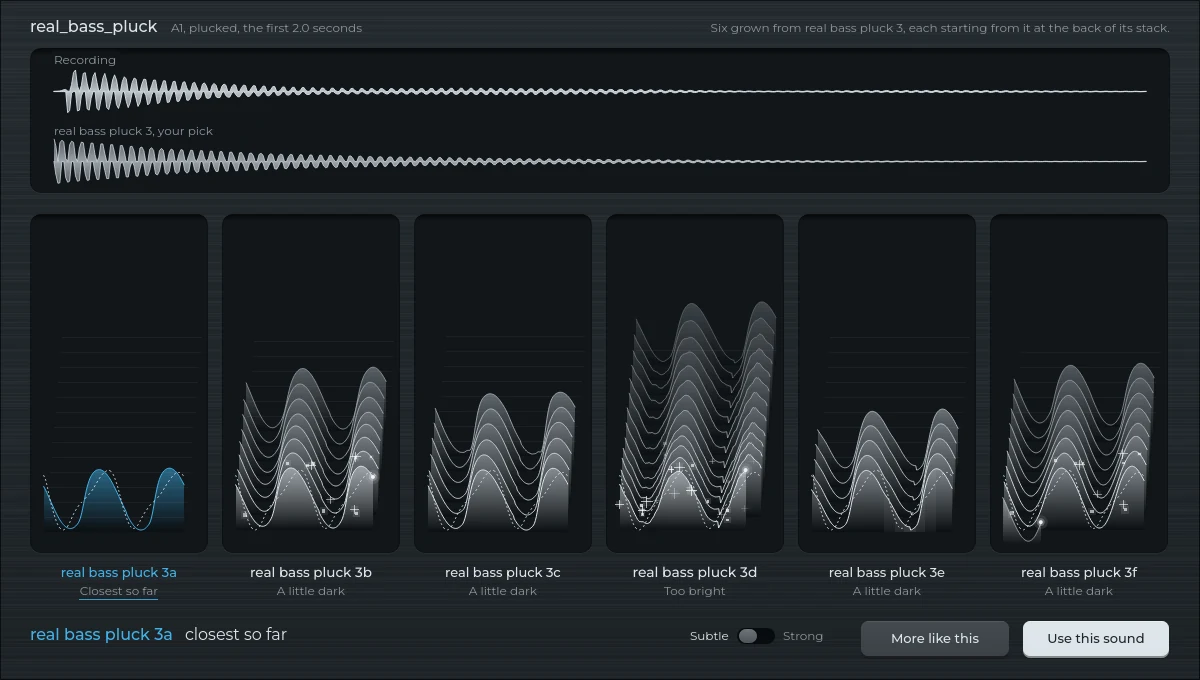
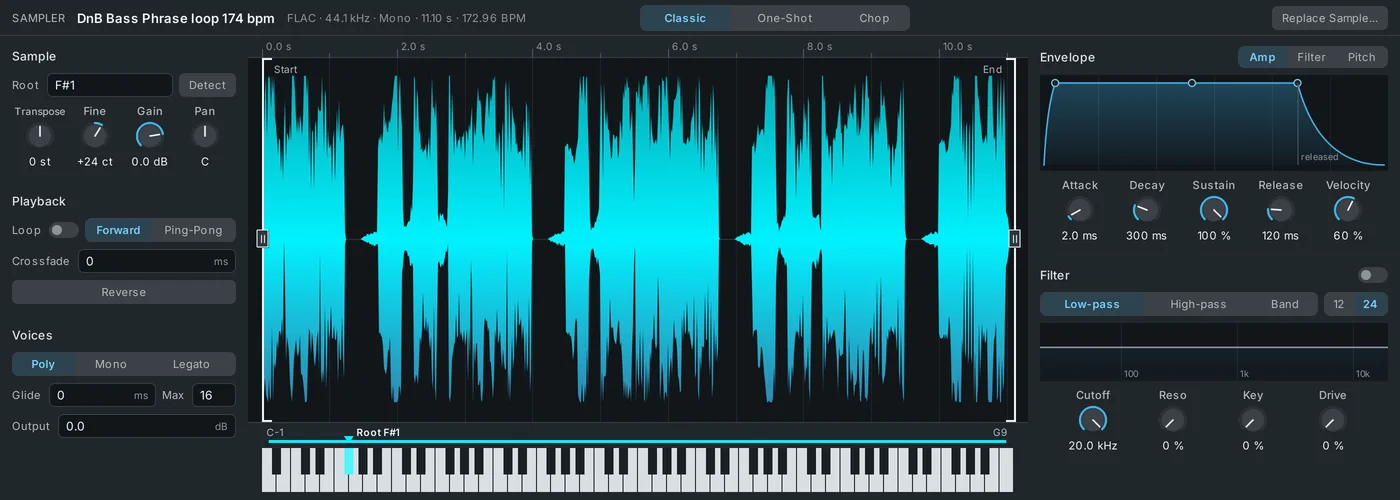
Record a note, or drag in a sample you love. Transcend builds an instrument that sounds like it, then hands you every control.

-
From one note
Right-click a clip and choose Convert to Instrument, or drop a sound on the instrument. One clear note works best.
-
Six to choose from
Hear each candidate, keep the best, or ask for more like it. Each one says how close it got.
-
A real instrument
It plays on every key, and every part of the sound is a control you can change. Not a sample stretched across the keyboard.
Every save, remembered.
Go back through your saves like a stack of snapshots. Pick one to read what changed since, in plain words, hear it next to the song as it is now, and go back to it if you liked it better.
Every save from today is kept, then one an hour, one a day and one a week as they age. Name a version and it stays.
Make it yours.
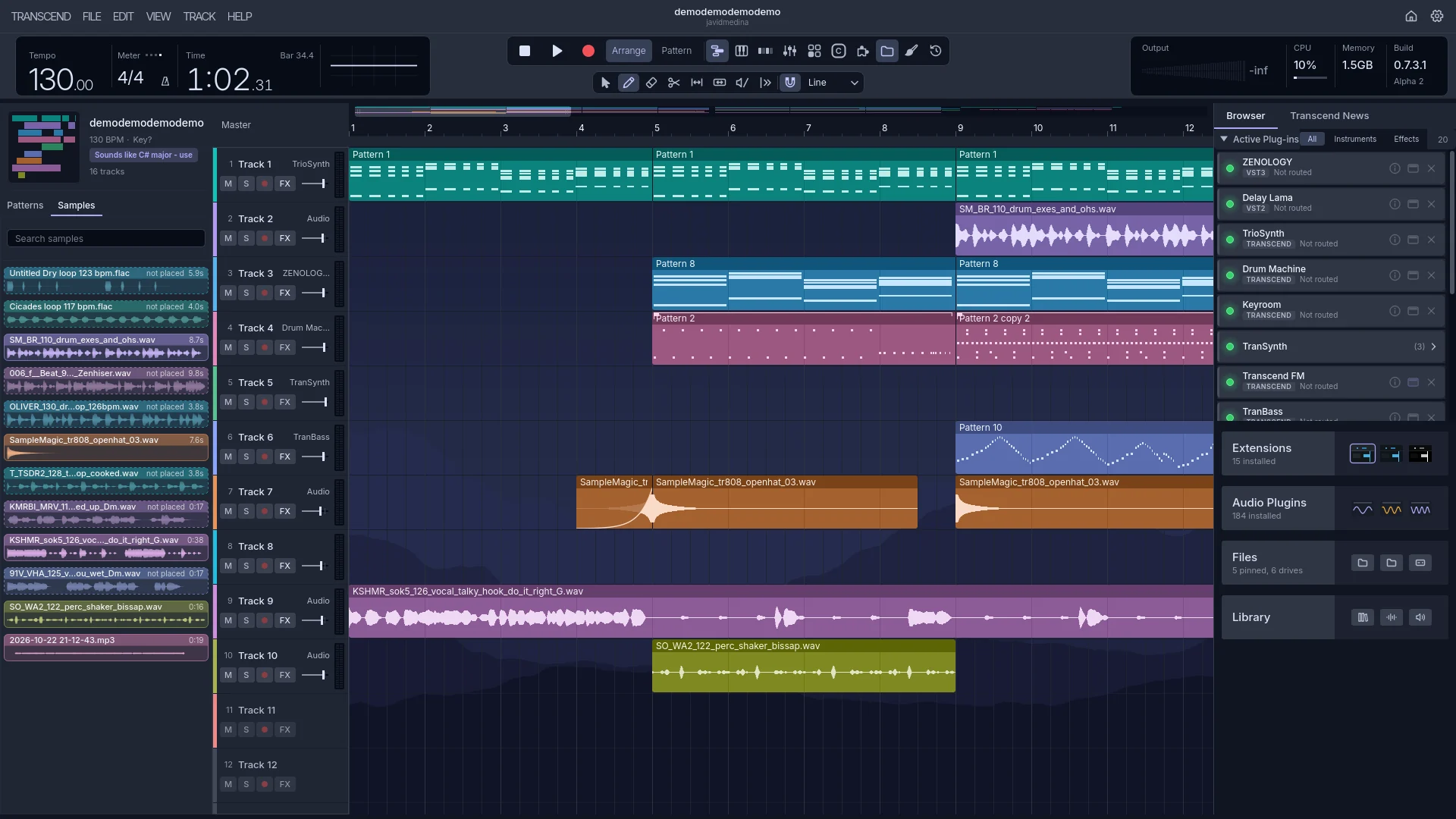
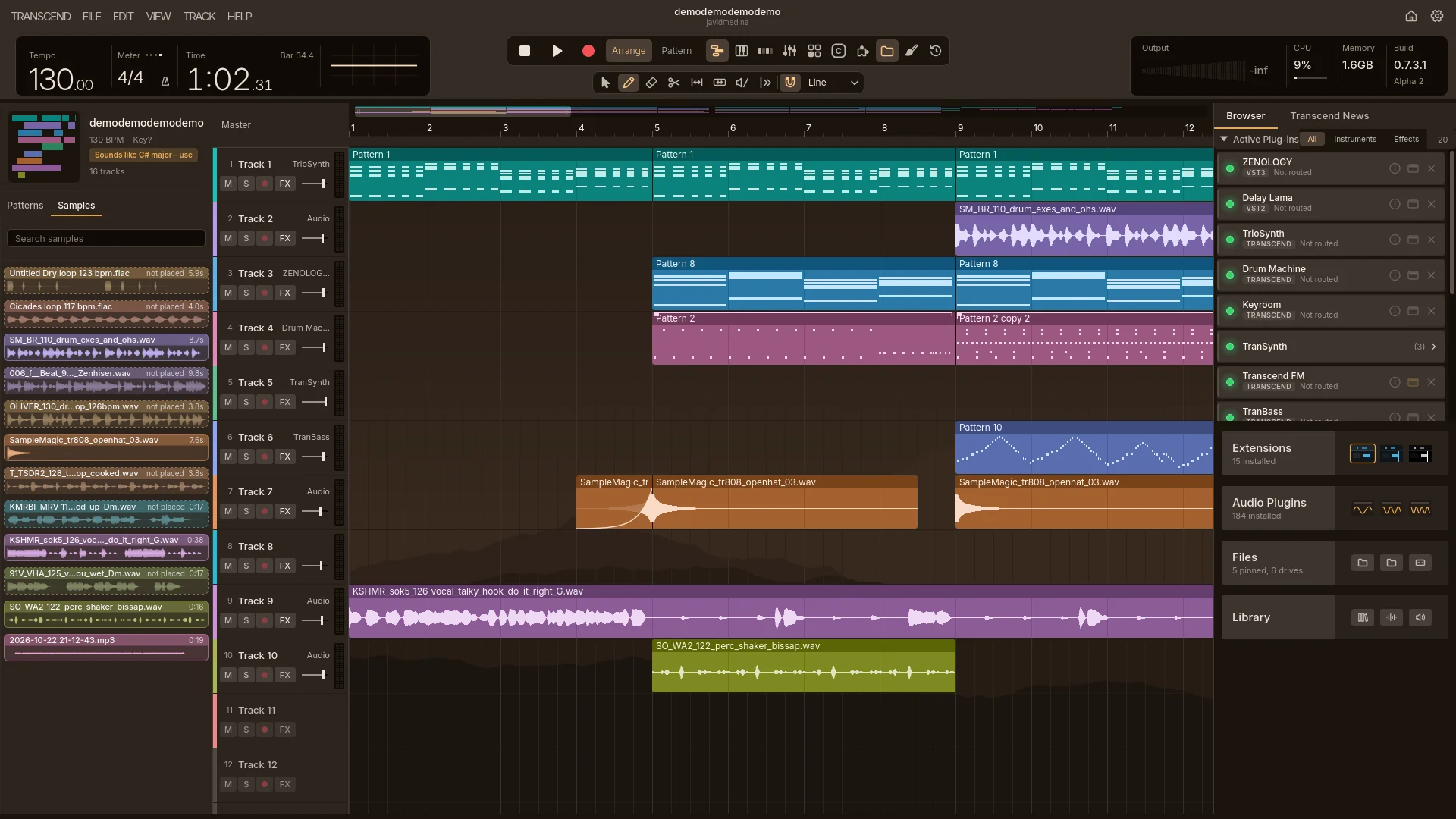
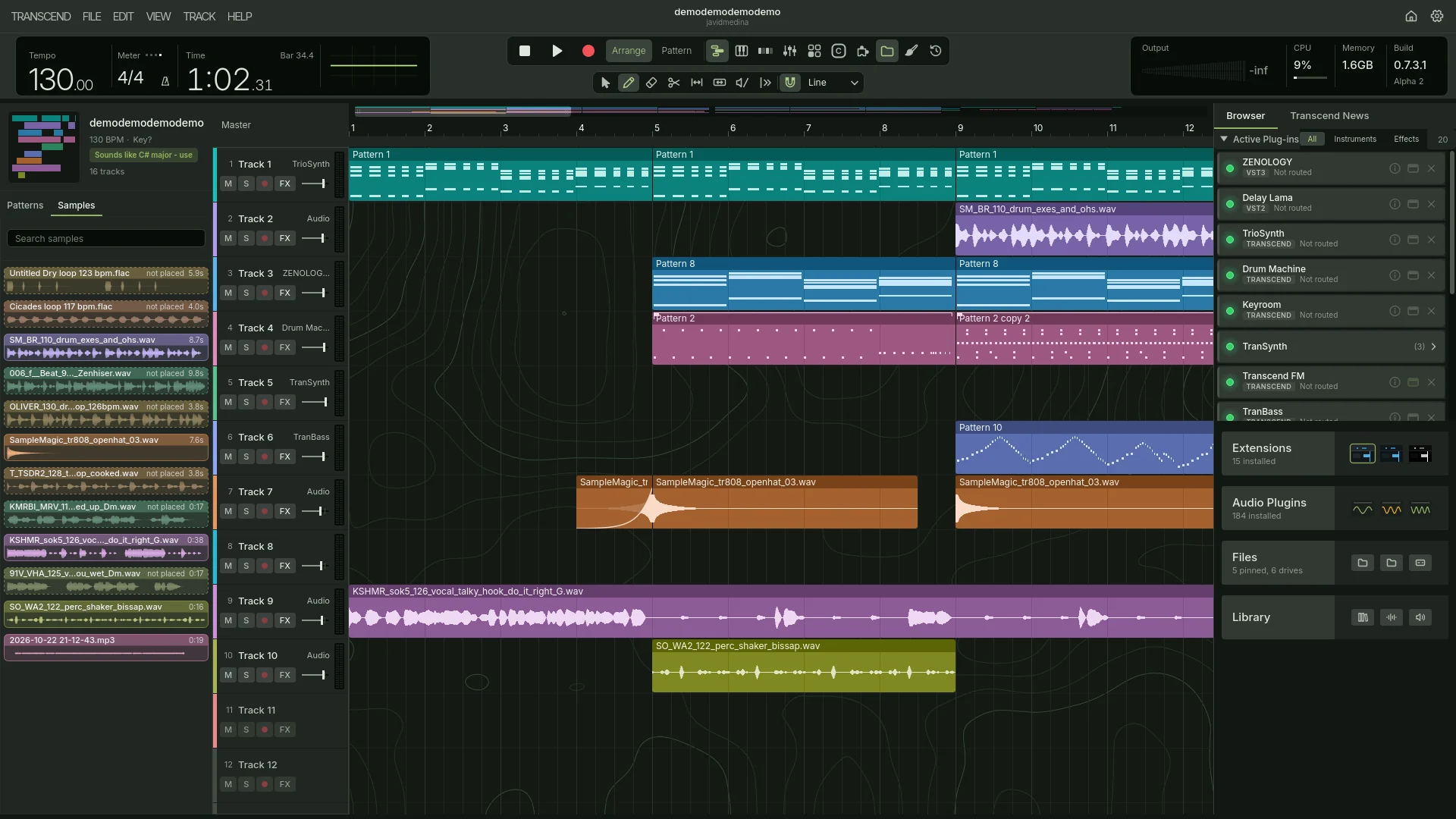
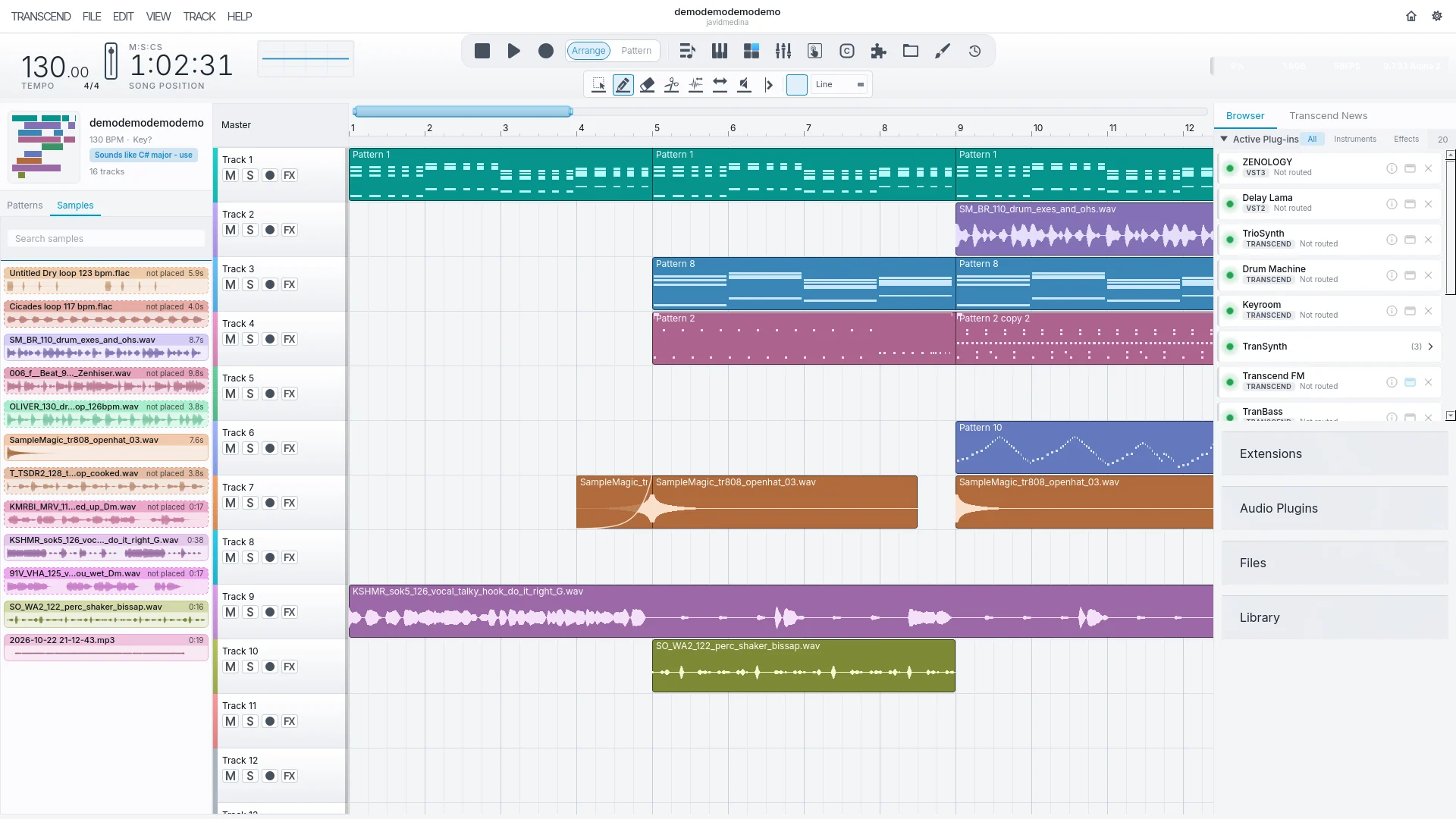
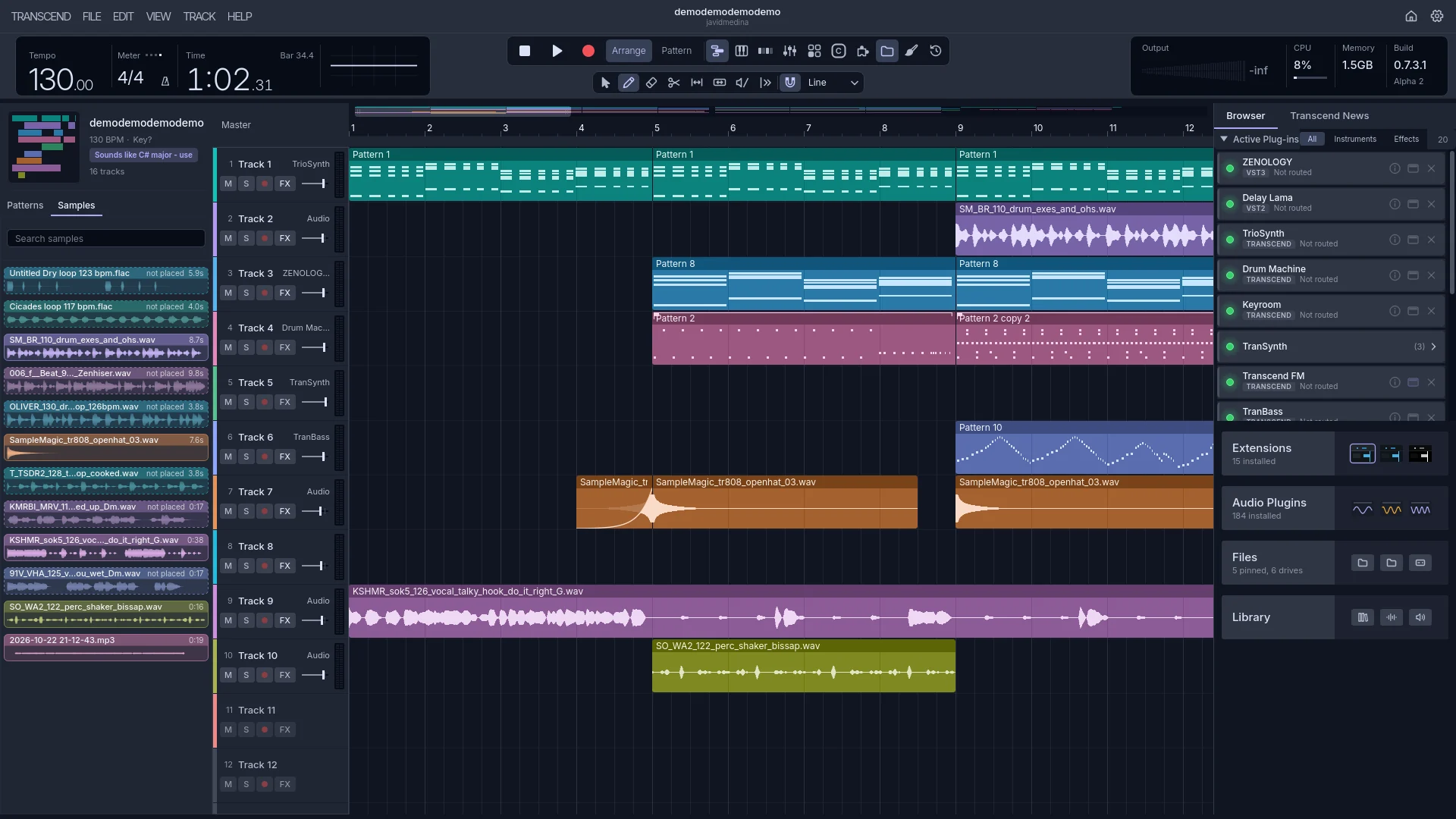
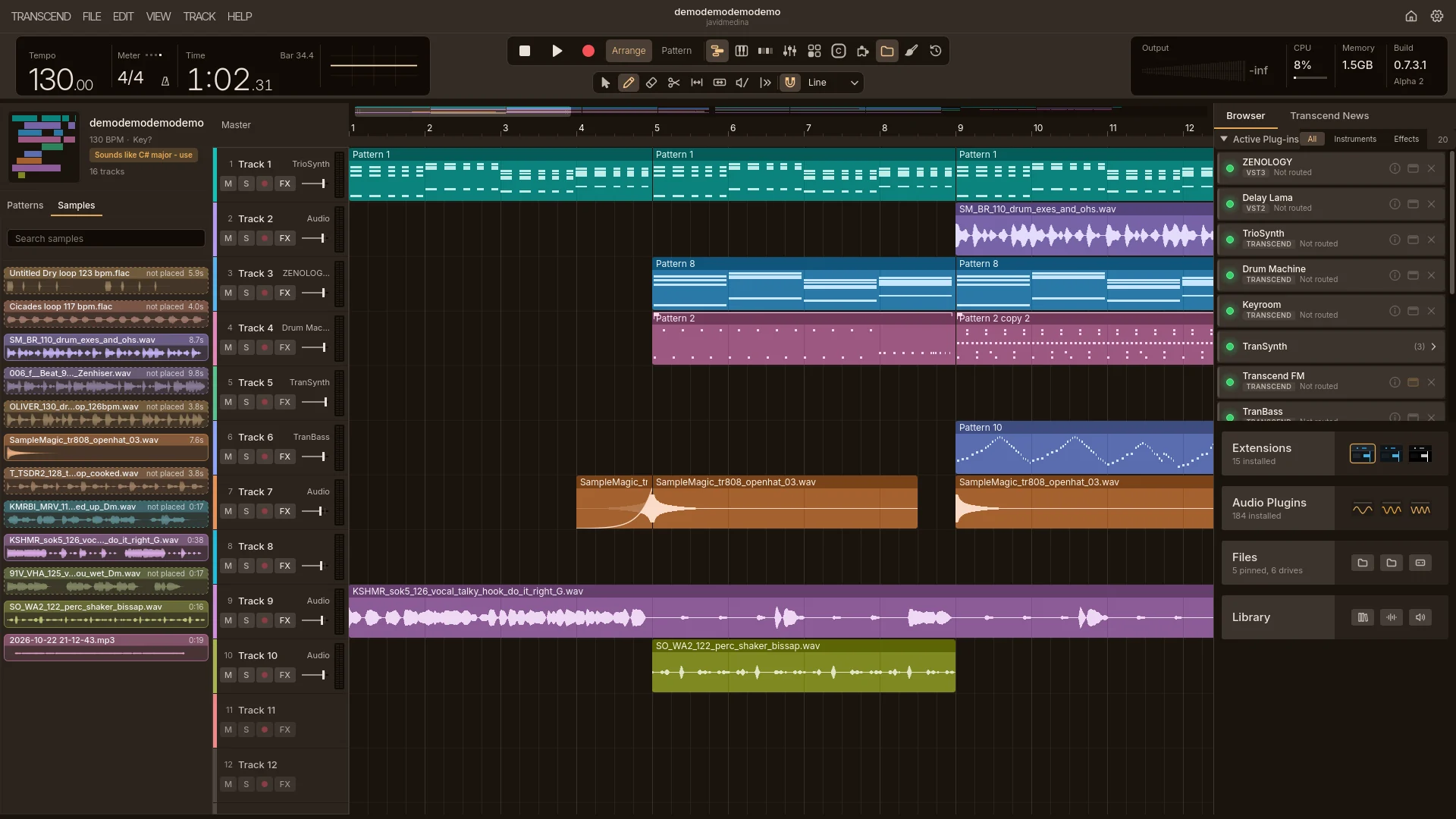
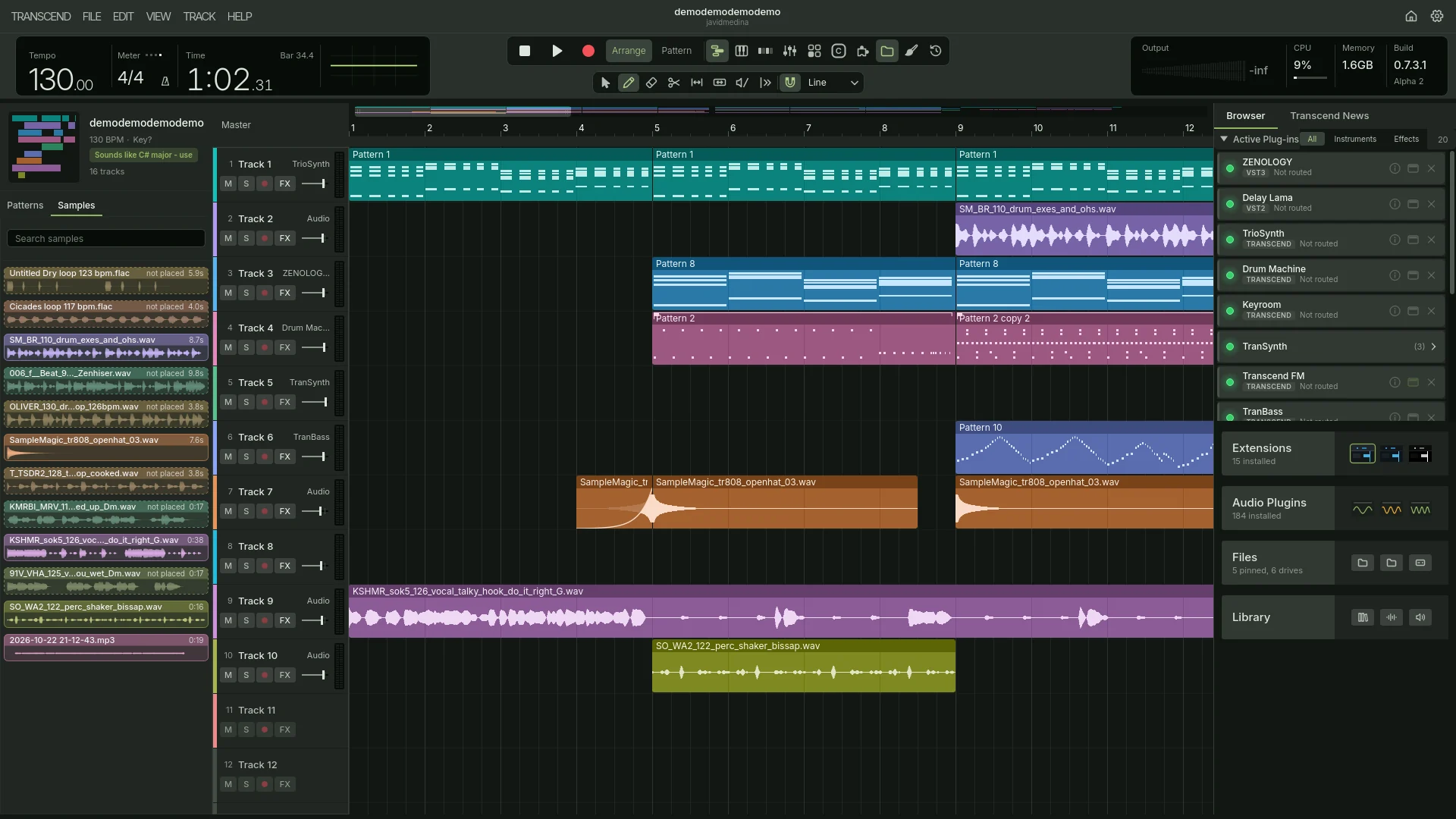
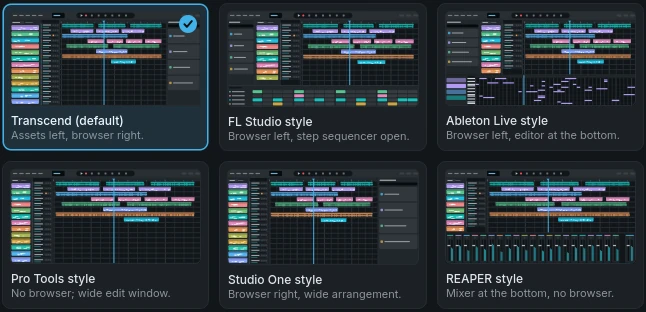
Change how it looks, arrange it like the DAW you came from, and soon, rebuild the whole interface your way.
Themes and wallpapers
Five themes come with Transcend, and more are in the Store. Put a picture behind the timeline, your own photo too. It stays still while you scroll.
The layout of the DAW you came from
One click arranges the window like the DAW you already know, with its keyboard shortcuts for FL Studio and Ableton Live. Every shortcut can be changed.
Overhaul the whole interface In development
We’re building a new extension system that can redraw and rearrange every part of the window.
-
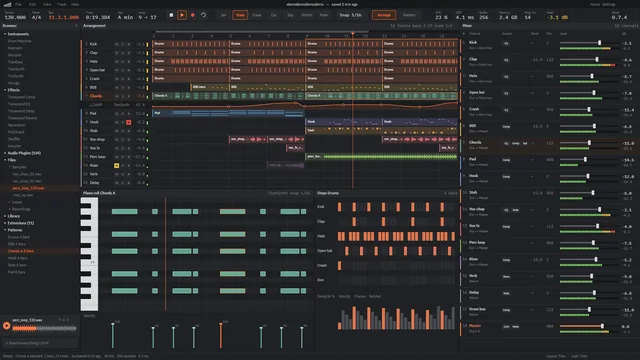 Five panes at once
 -
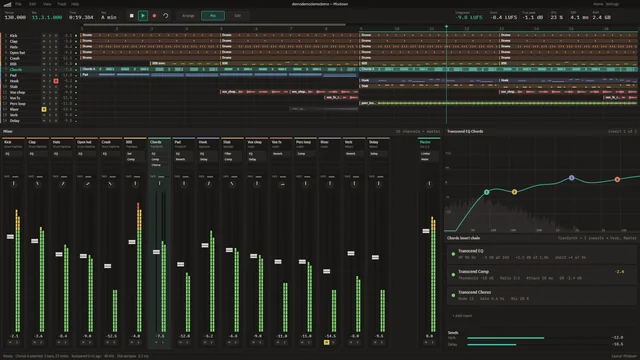 Mixer first
 -
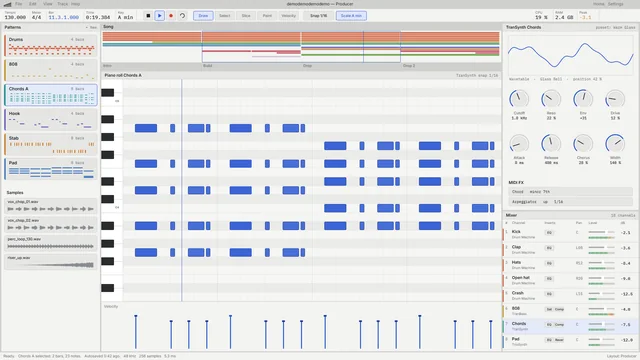 A light, edit-first room
 -
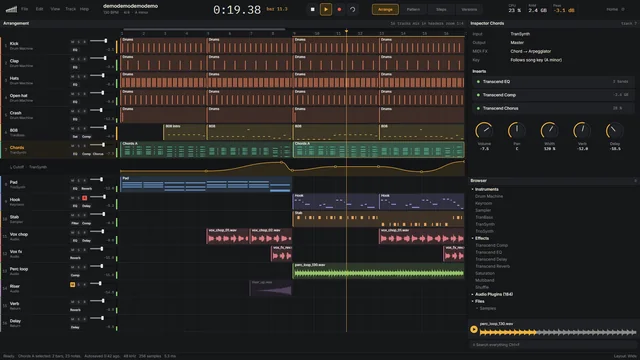 The mix inside every track
local T = transcend
local theory = require("theory")

local PANEL = T.panels.create("chords", {
    title = "Chords", placement = "sidebar",
    minWidth = 220, minHeight = 320 })
...
-- The chord at the playhead is recomputed on every playhead
-- move, but the panel only redraws when its NAME changes --
-- a sustained chord costs nothing.
T.events.on("playheadMoved", function(e)
    lastMode = e.mode or lastMode
    if not T.panels.isVisible(PANEL) then return end
    refresh(false)
    local name = chordAtPlayhead()
    if name ~= view.now then
        view.now = name; T.panels.invalidate(PANEL)
    end
end)
...
-- API level 12: told when the notes, the open pattern or the
-- tempo change, instead of polling.
T.events.on("notesChanged", function(e)
    if e.patternId == view.patternId then projectChanged() end
end)> Transcend --test-extension velocity-fade
Testing Velocity Fade 1.0.0 (io.github.your-name.velocity-fade)
on Transcend 0.7.3.1, API level 13
tests/fade_test.lua
ok a fade in rises evenly from soft to loud
ok notes keep their pitch, place and length
ok velocities stay between 1 and 127
ok an empty pattern stays empty
tests/panel_test.lua
ok the panel shows the open pattern
ok Fade In from the command palette rewrites the open pattern
ok clicking Fade out on the panel fades the notes down
ok with no pattern open it says so and changes nothing
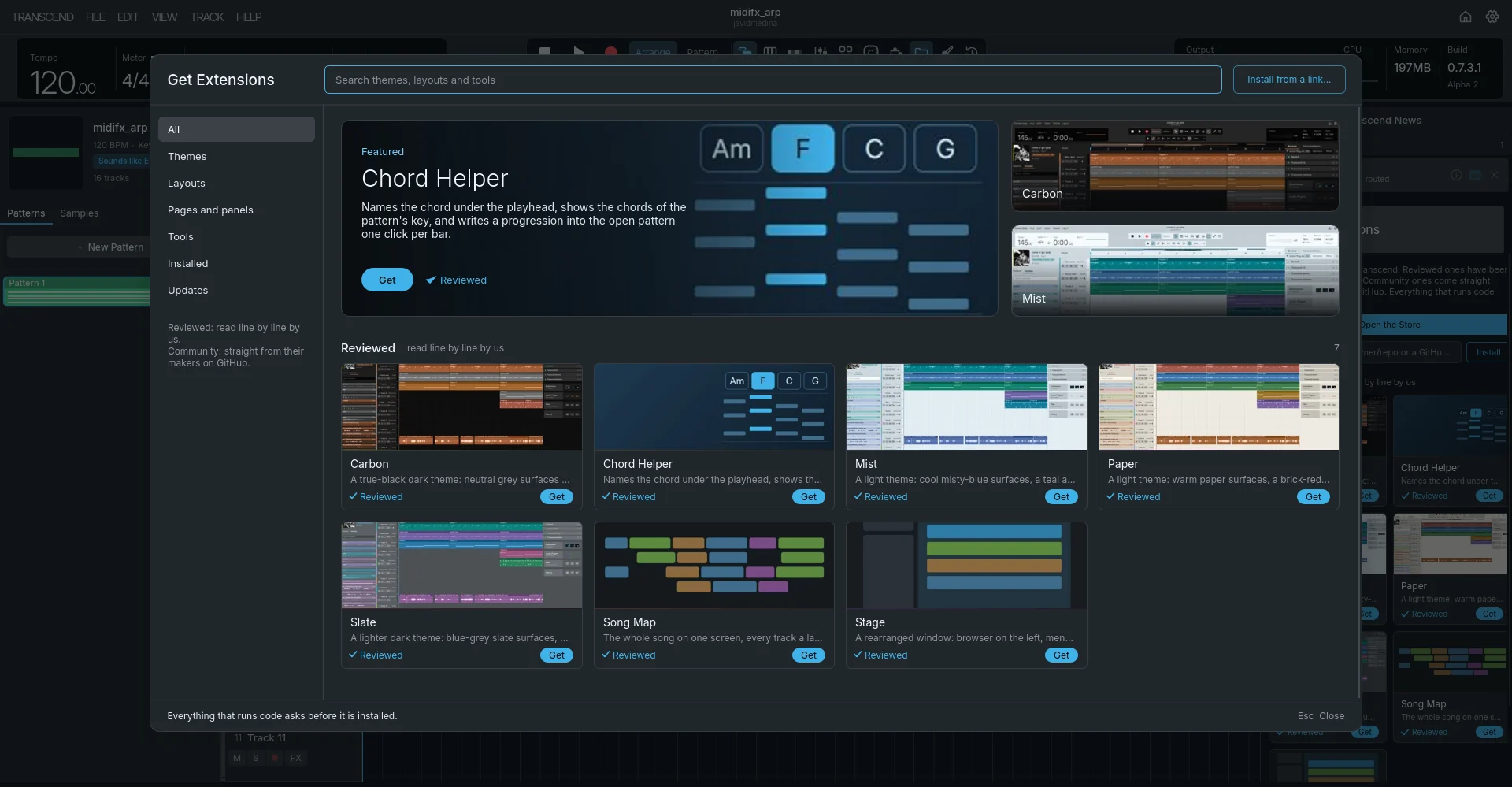
8 passed, 0 failedChord Helper, a real extension, and the test run of the extension template.
Add what it doesn’t have.
Extensions add tools, pages and windows to Transcend. Write your own in Lua, install one from a GitHub link or a file, or pick one from the Store.
-
Write your own
Lua, with a documented API. Link your folder and Transcend reloads it every time you save. Transcend --test-extension runs its tests against a pretend project.
Read the extension docs -
From a link or a file
Paste any GitHub repository or release link, or drop a .tpkg file onto Transcend. Anything that runs code asks before it installs.
-
From the Store
Reviewed extensions were read line by line by us. Community ones come straight from their makers on GitHub.
The Clip Launcher
Launch clips and whole scenes on the next bar, lined up over the mixer. 444 lines of Lua, using the same API you get. Still in development.
Chord Helper
Names the chord under the playhead and writes a progression into your pattern, one click a bar.
What an extension can reach
- Whole pages and floating windows
- Entries in the right-click menus
- Notes, patterns and their instruments
- The tempo map, meter, key and markers
- Told when notes, tempo or key change
- MIDI in and out, with permission
The API is still growing, and is provisional until 1.0.
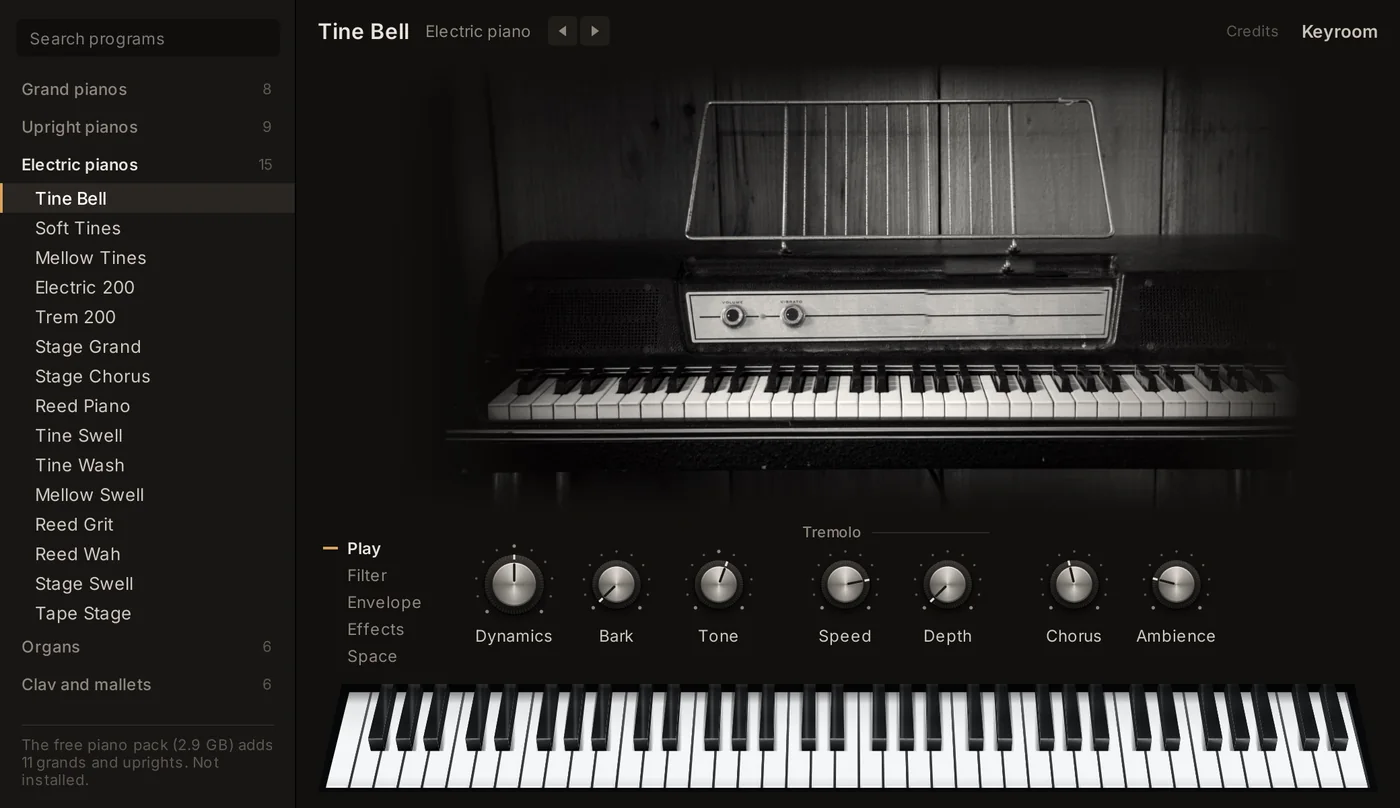
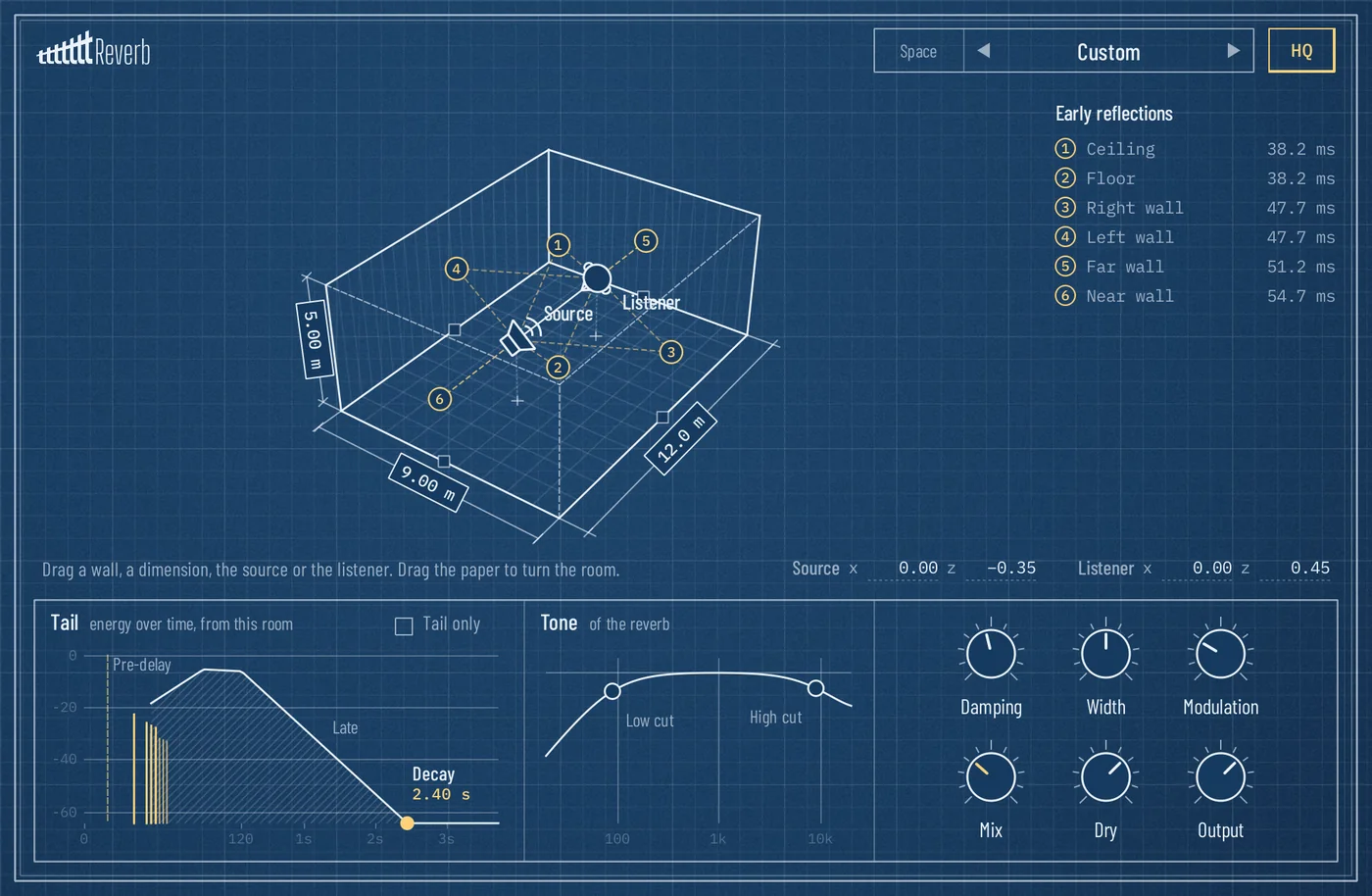
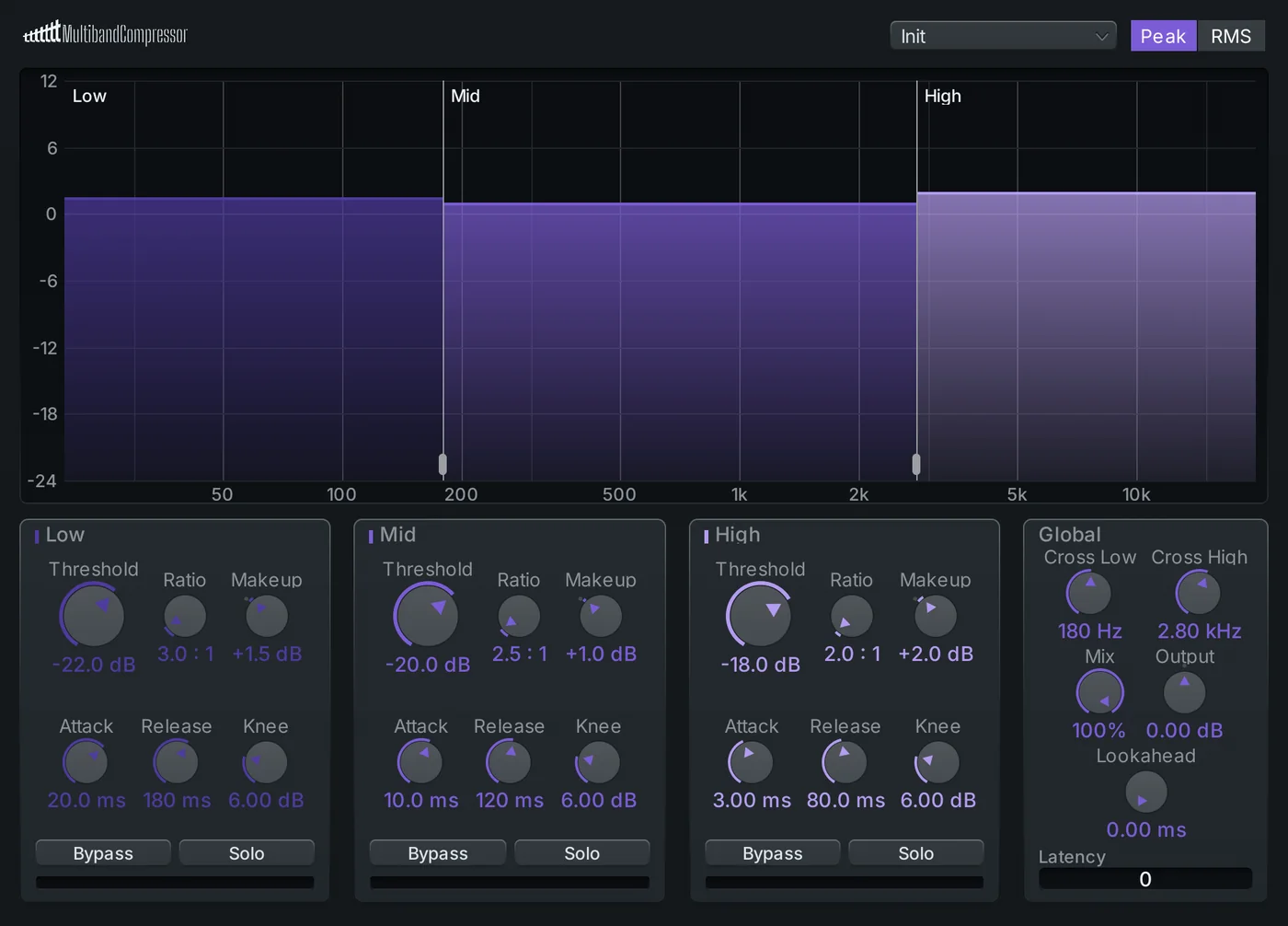
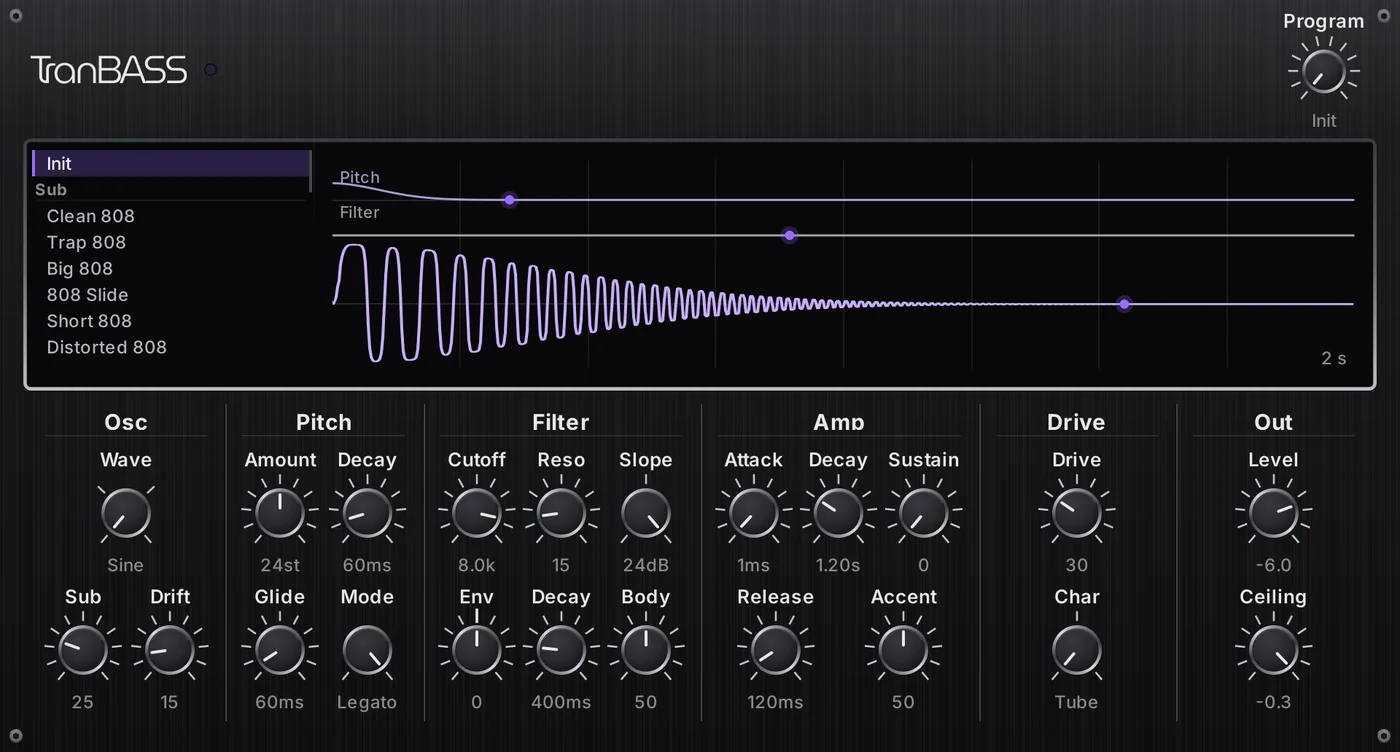
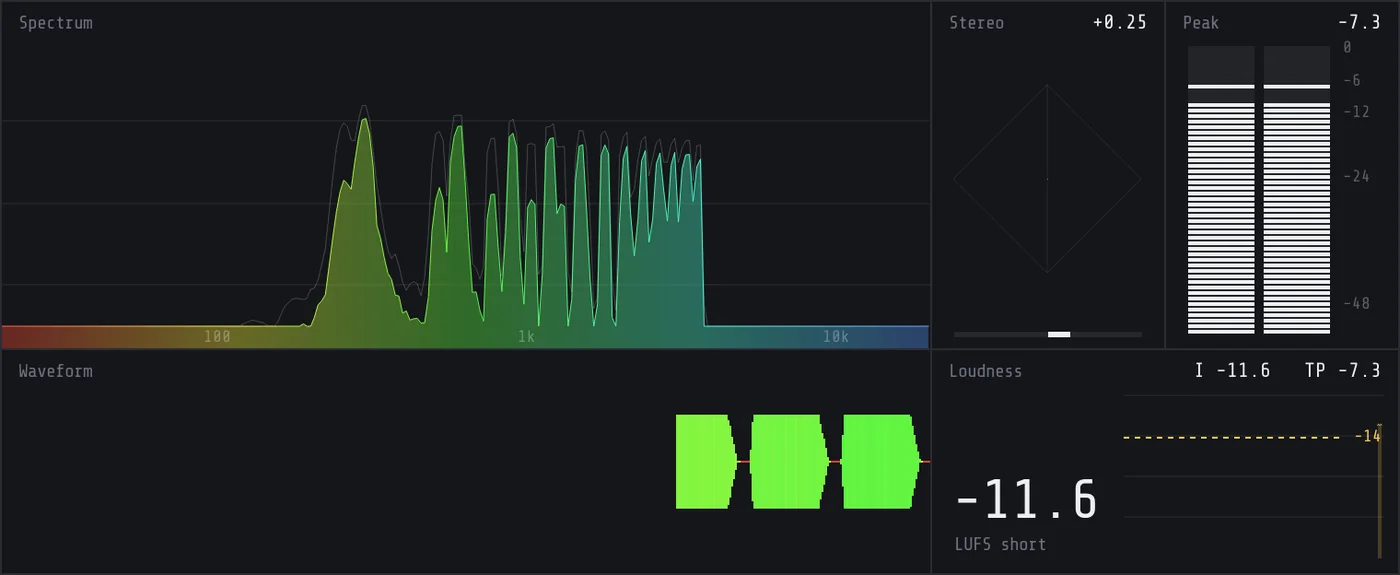
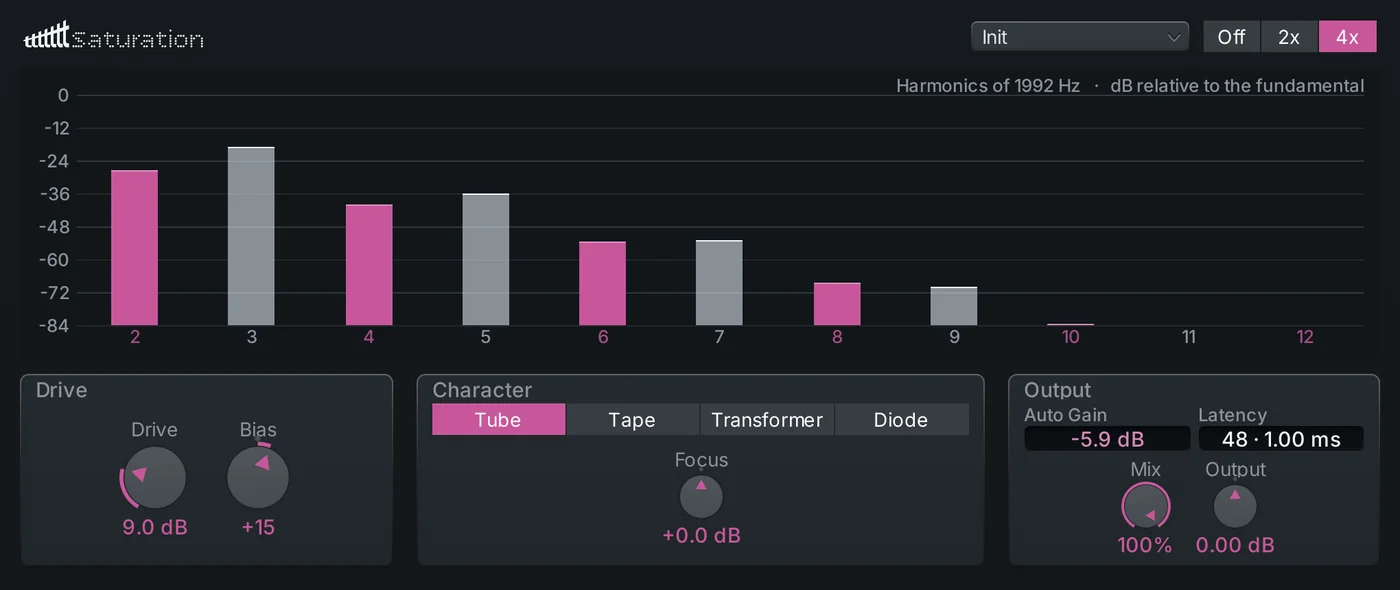
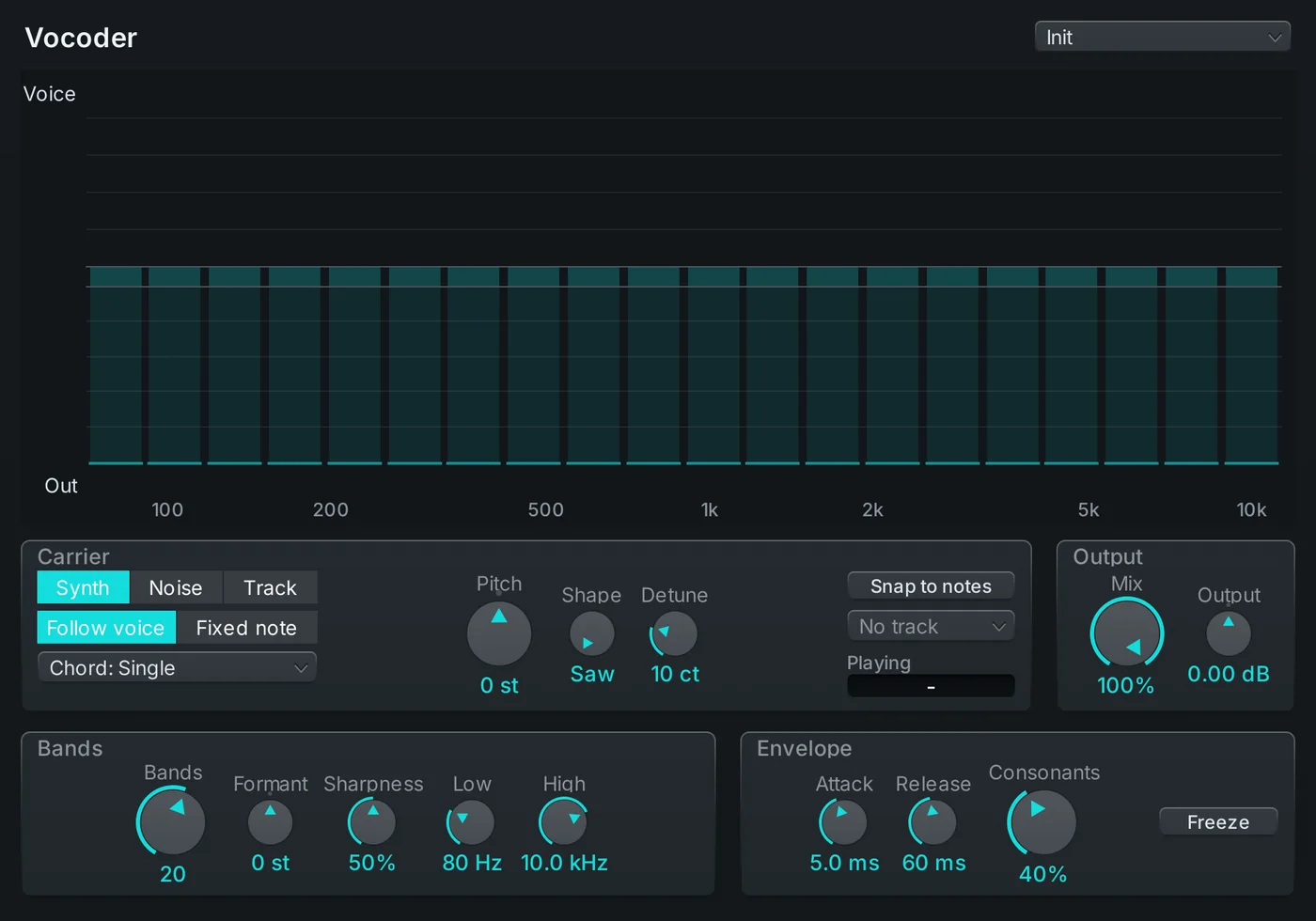
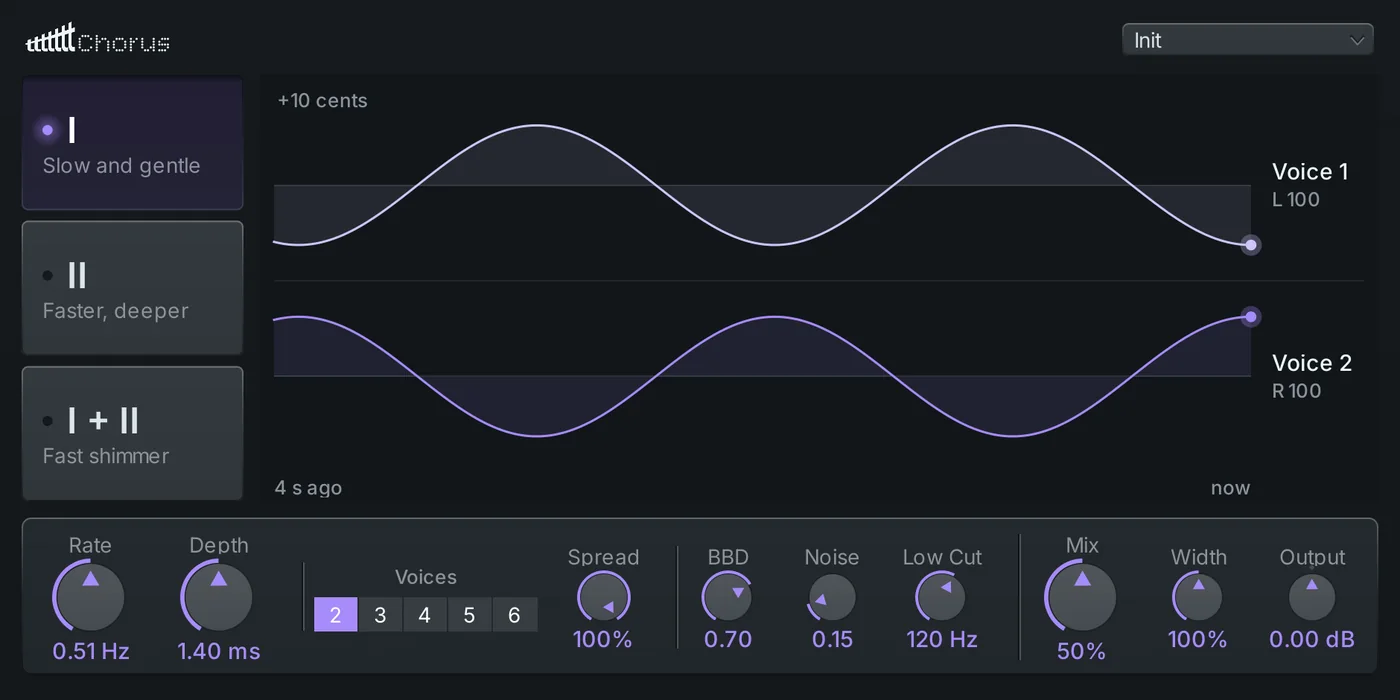
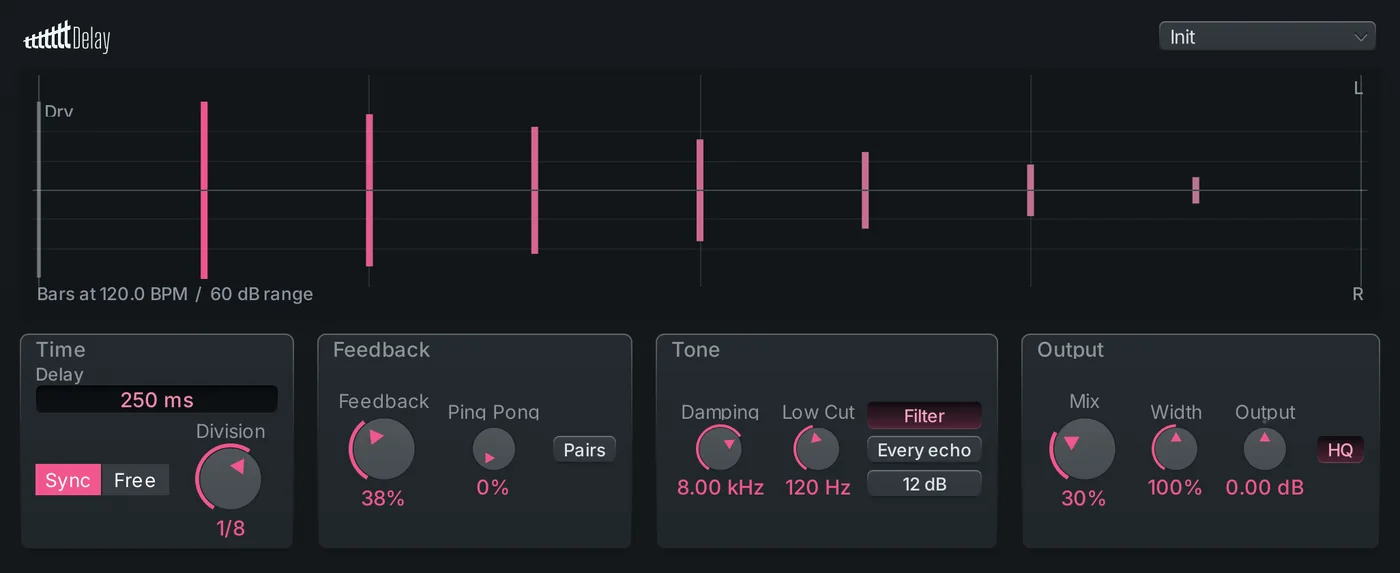
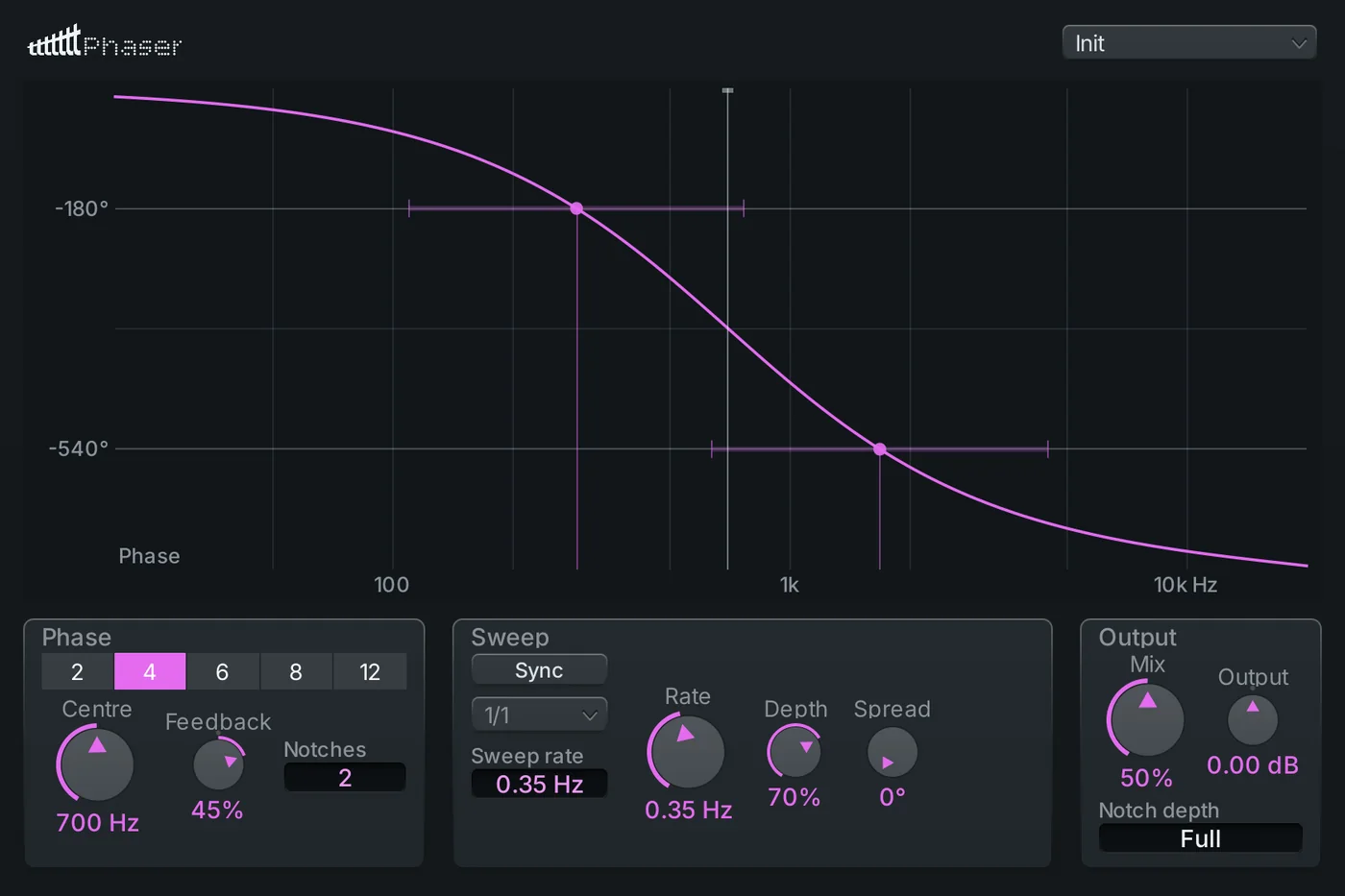
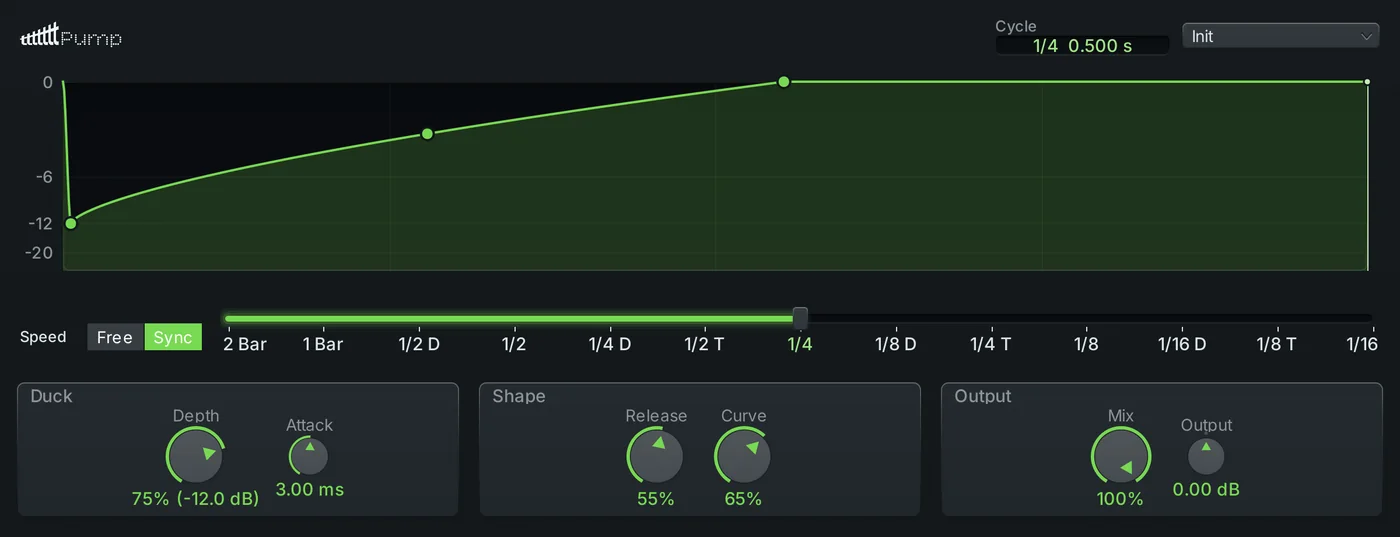
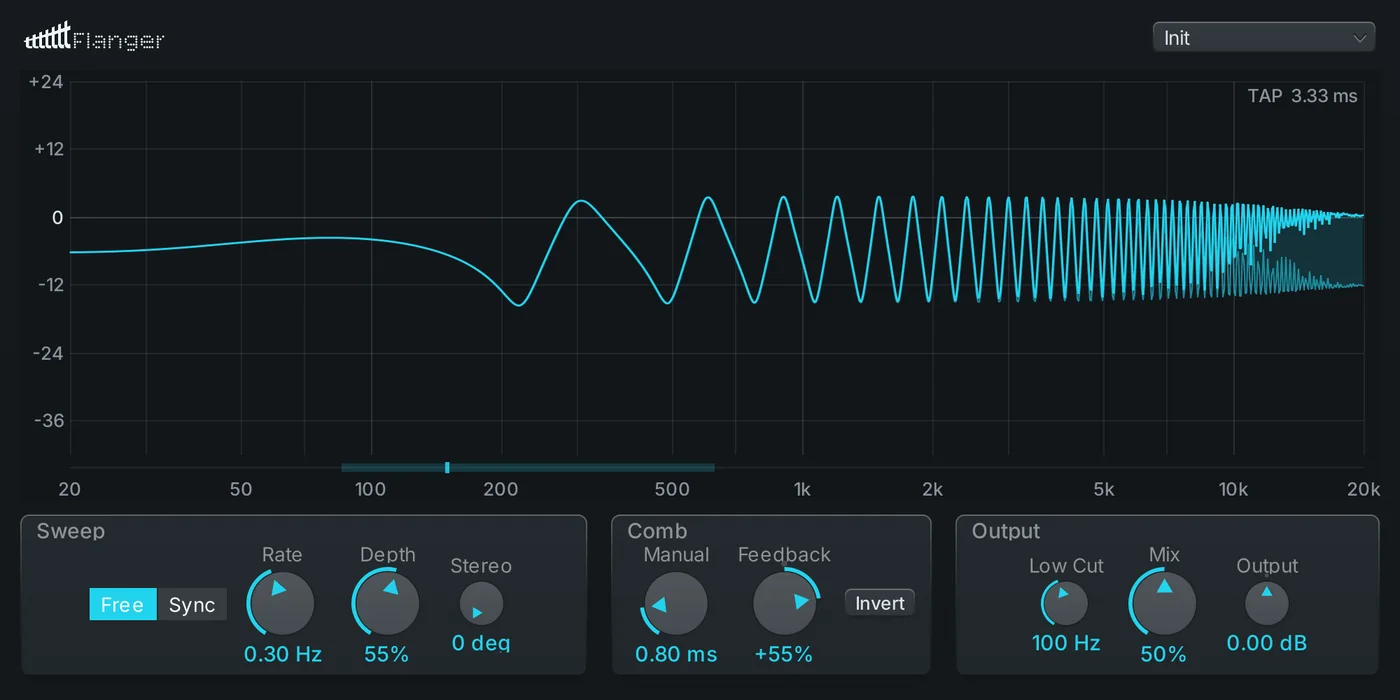
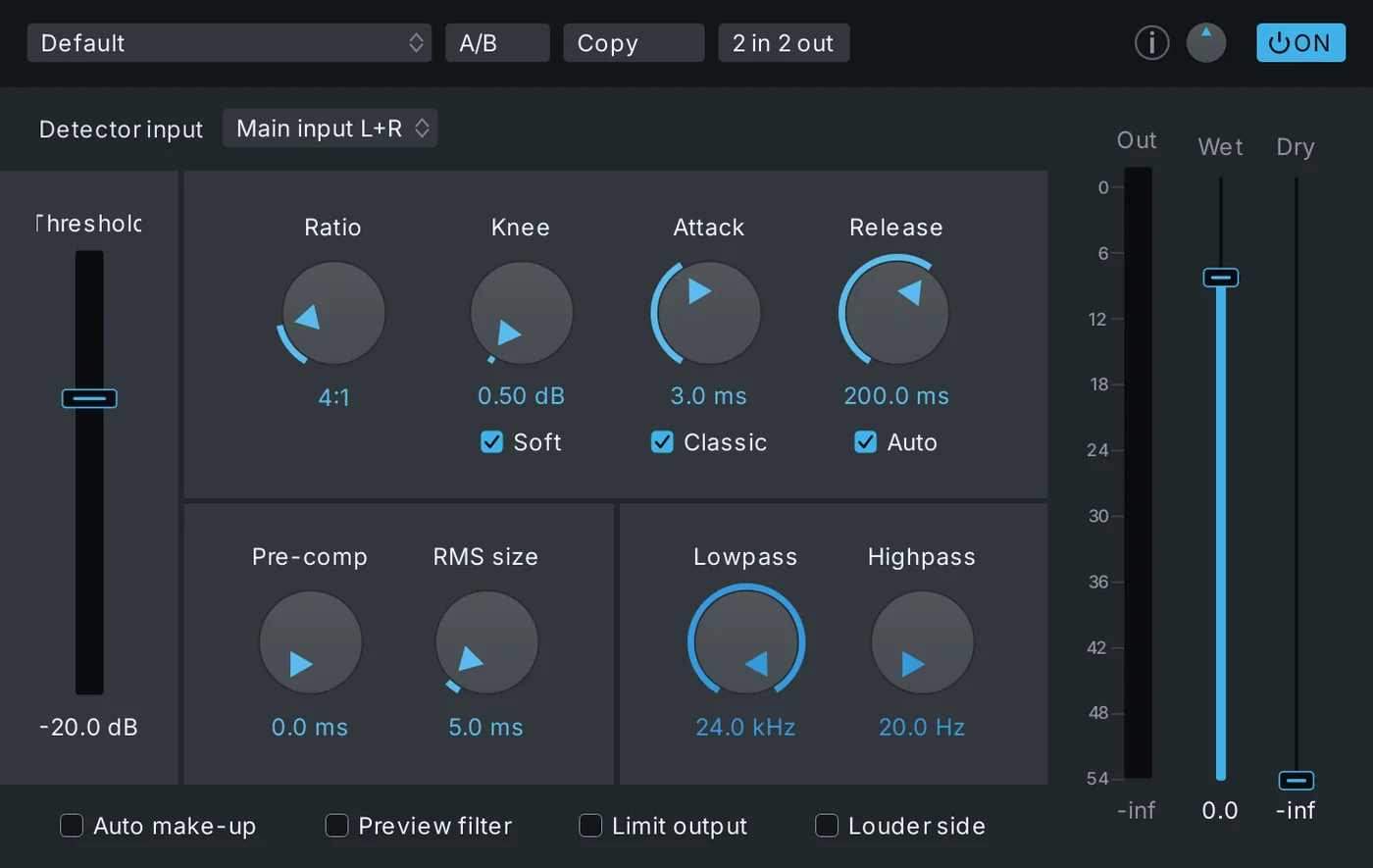
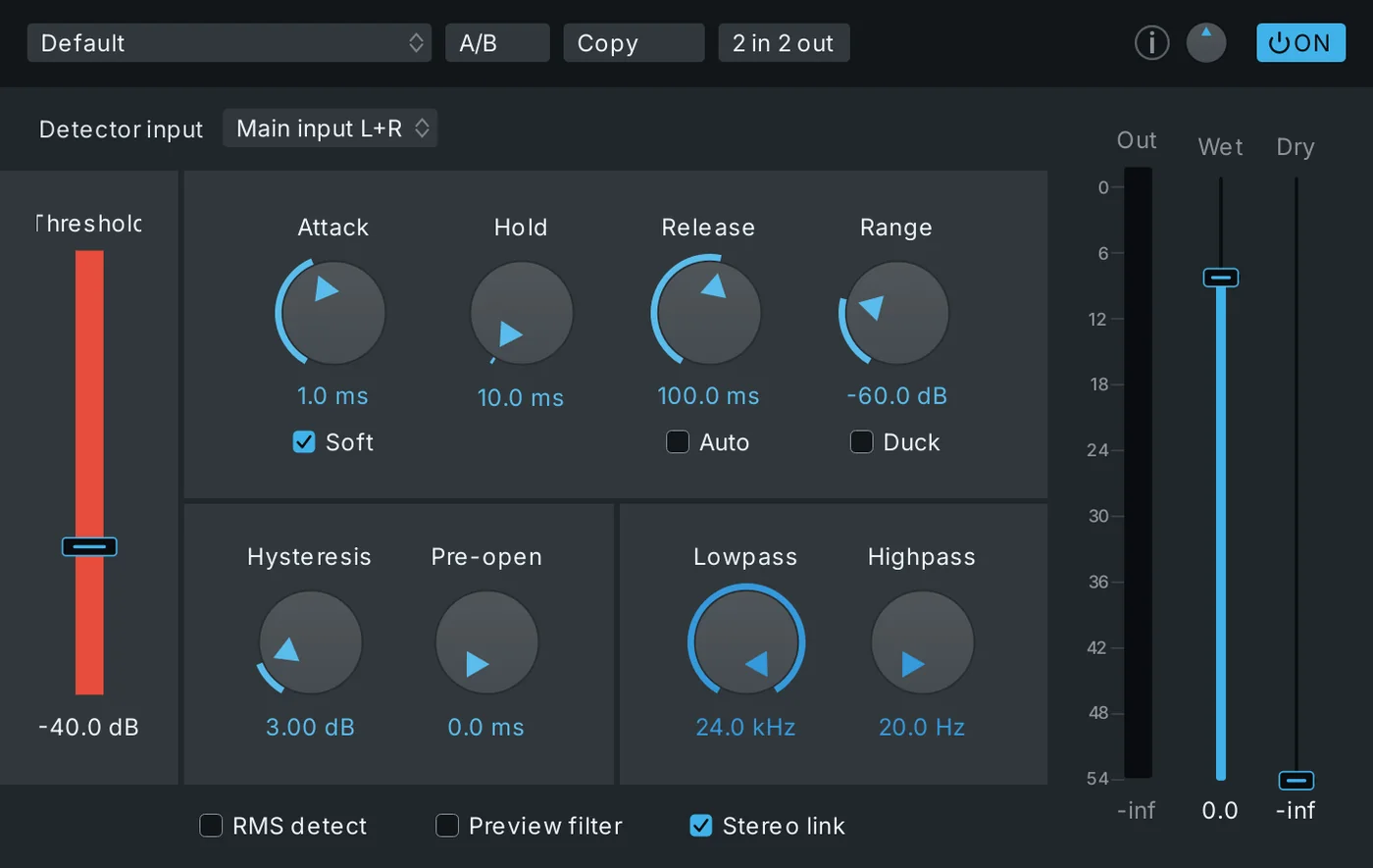
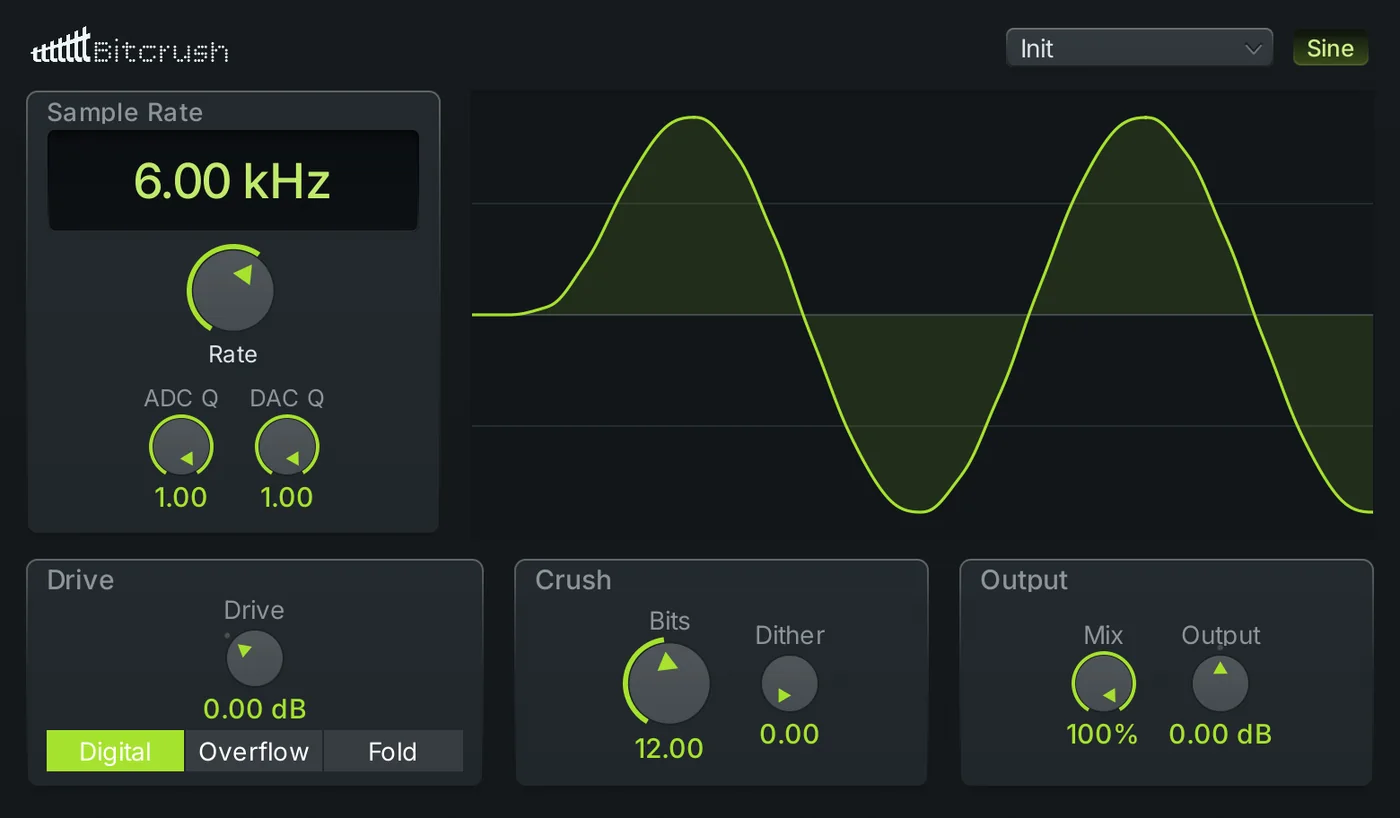
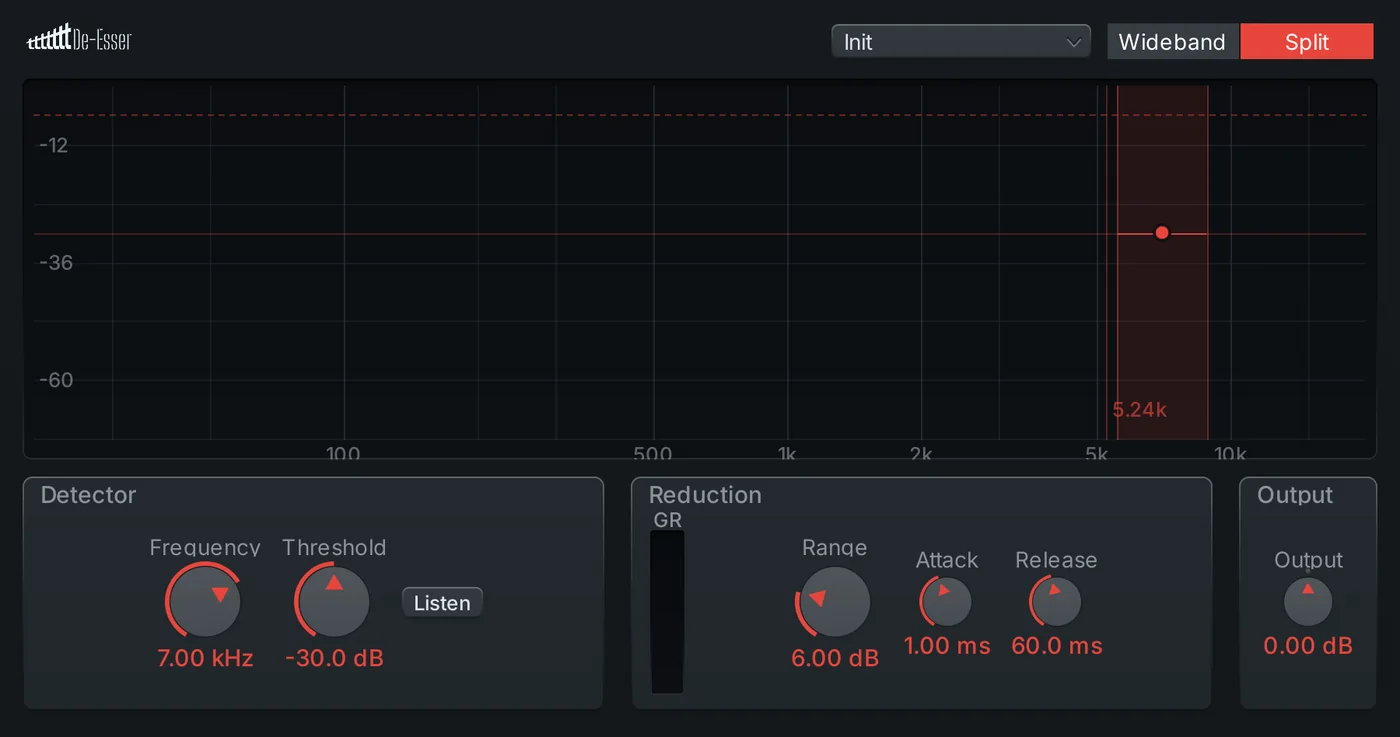
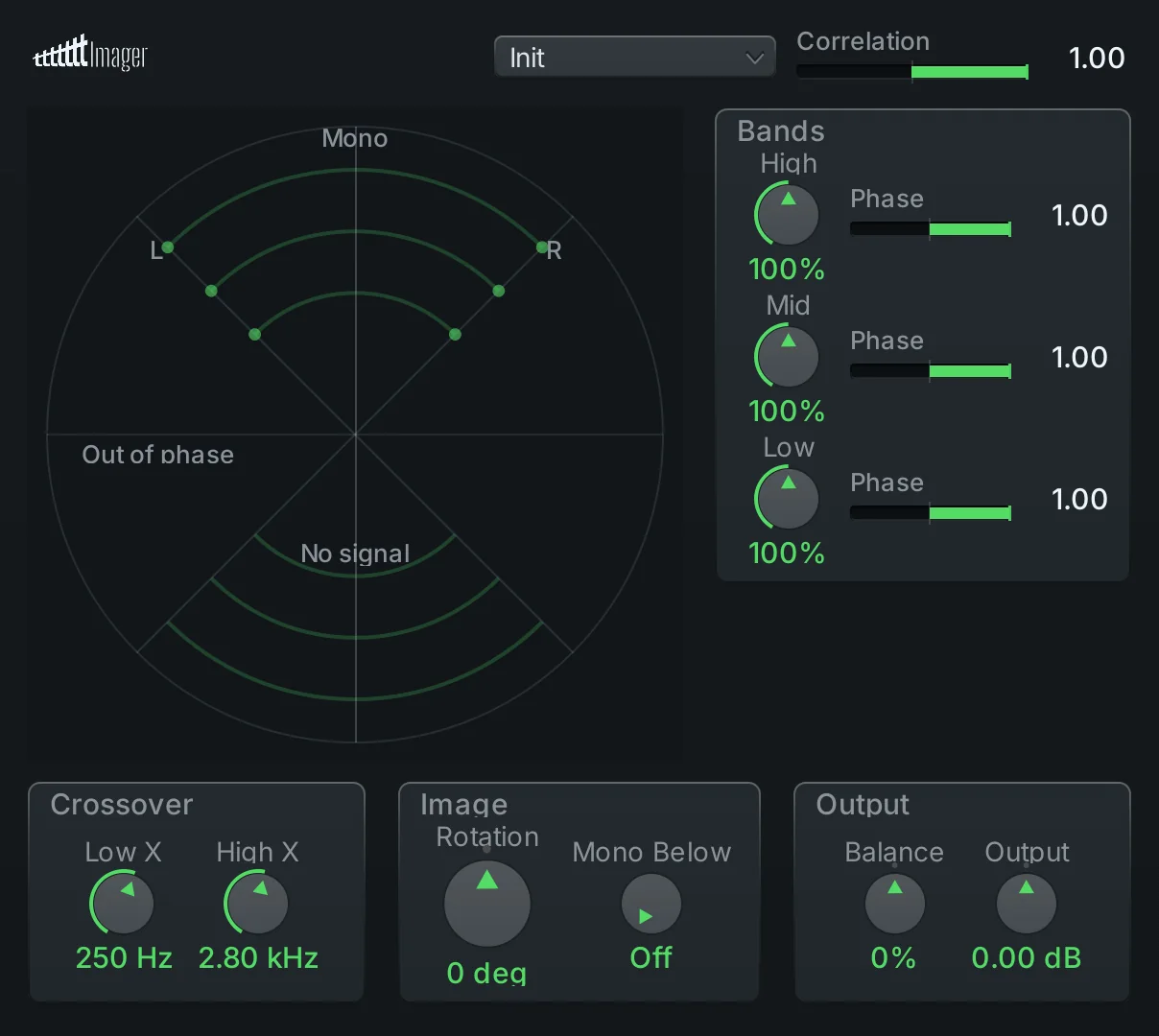
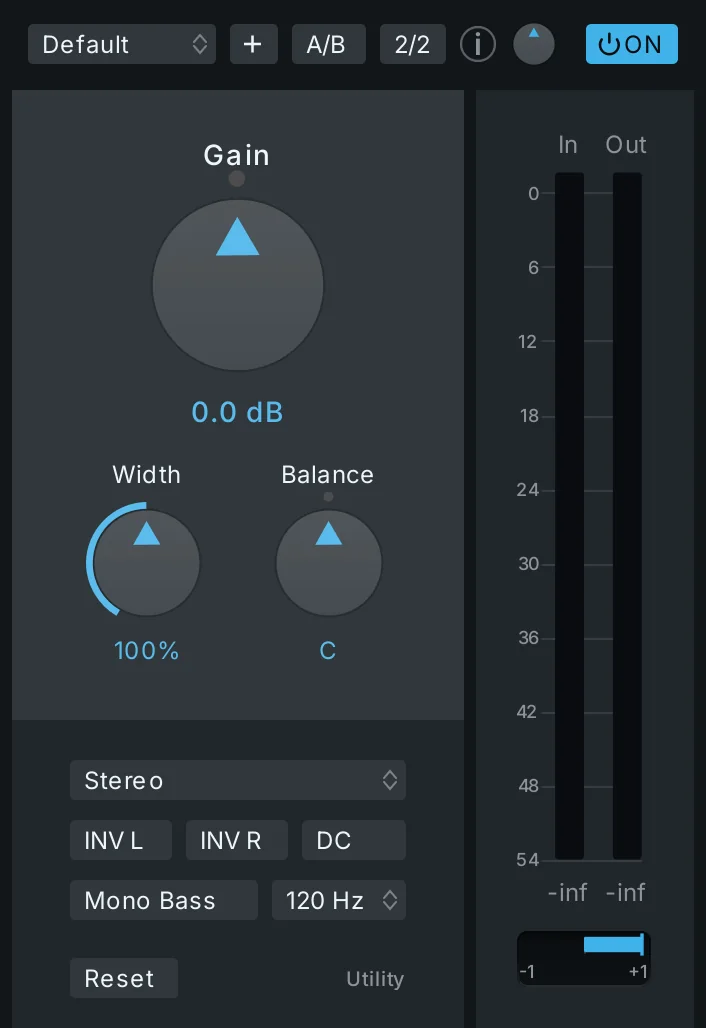
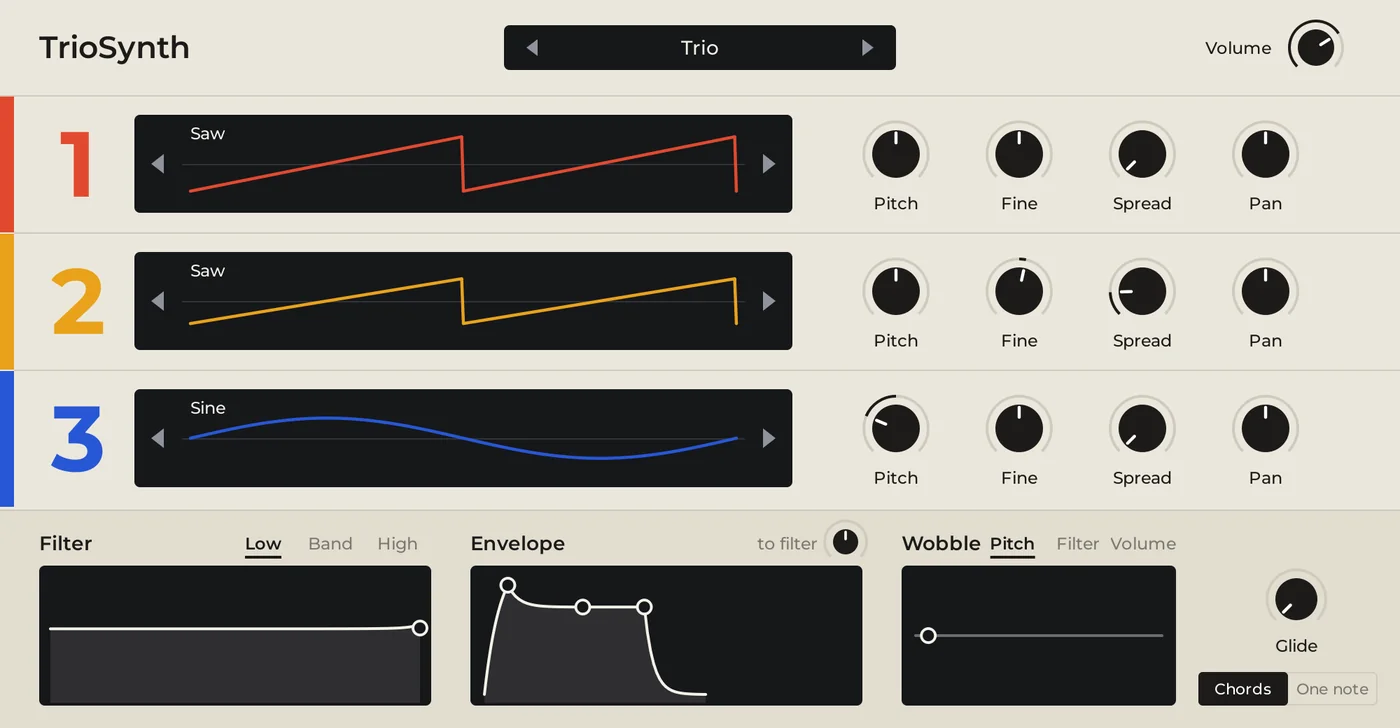
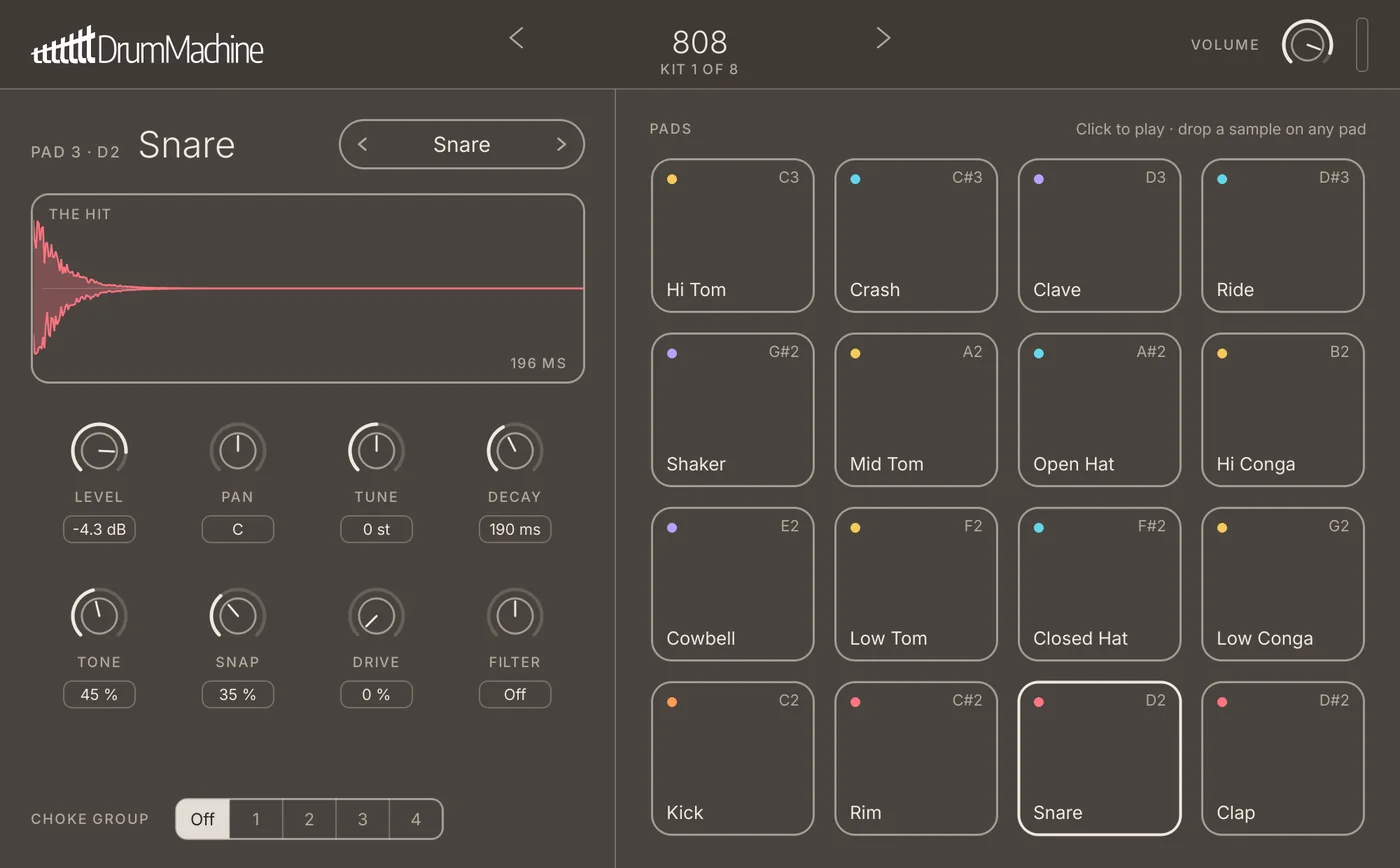
01 / 32
The numbers are measured, and more are coming.
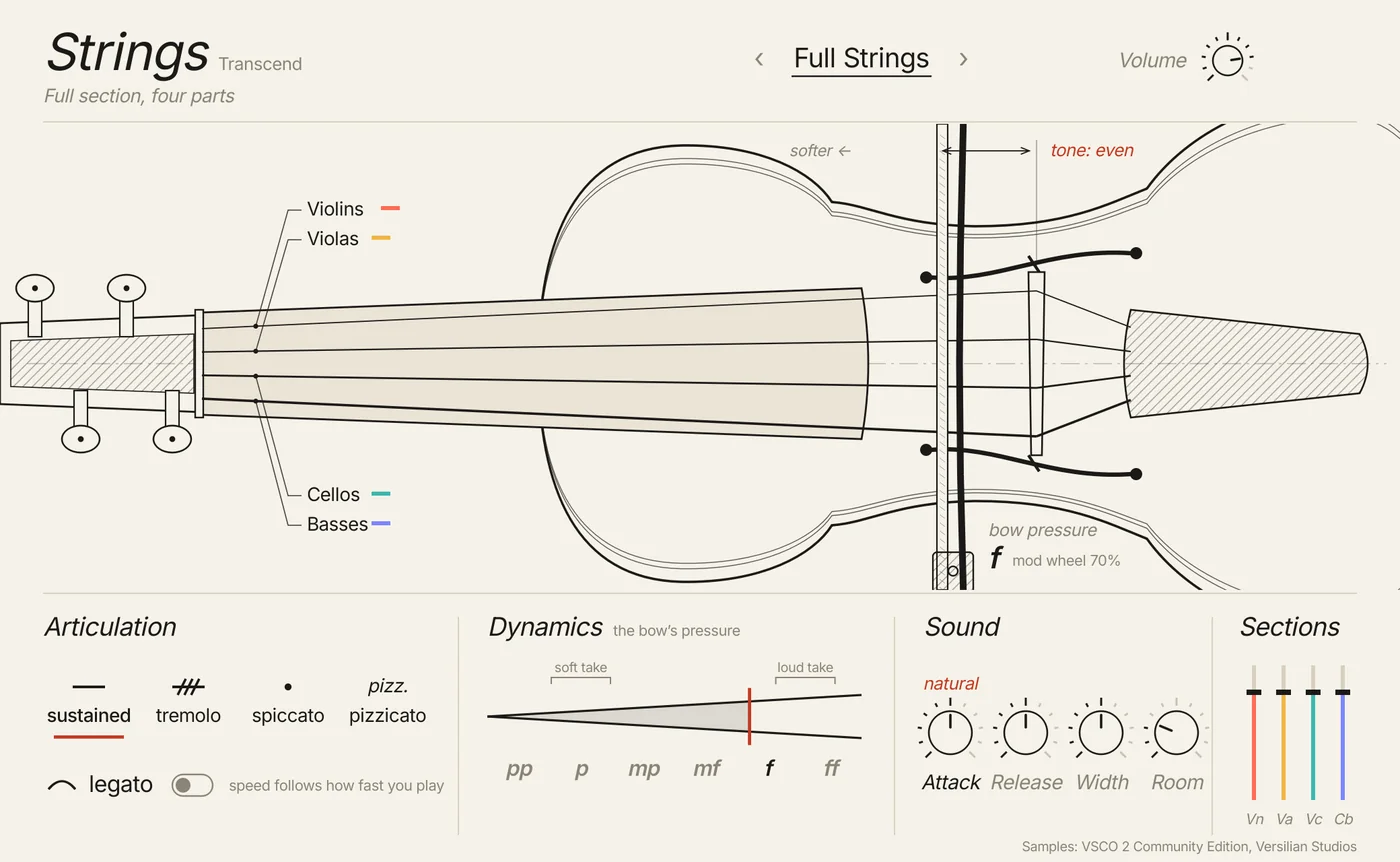
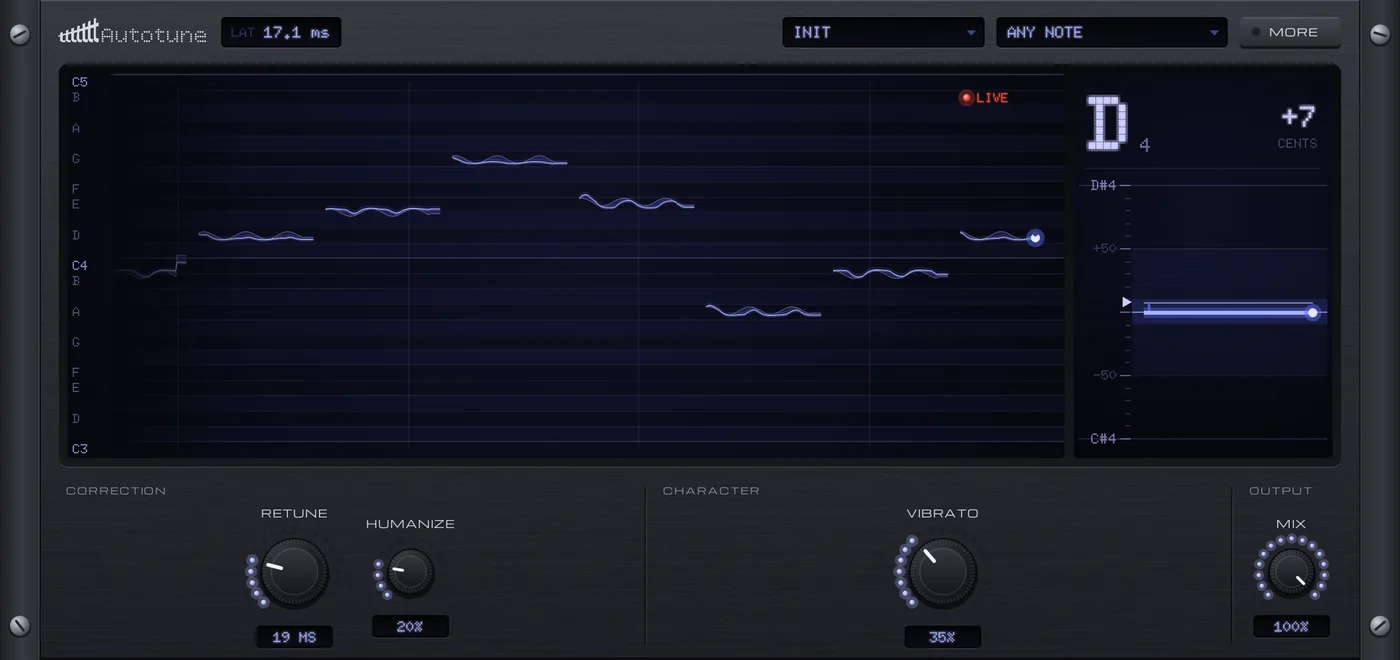
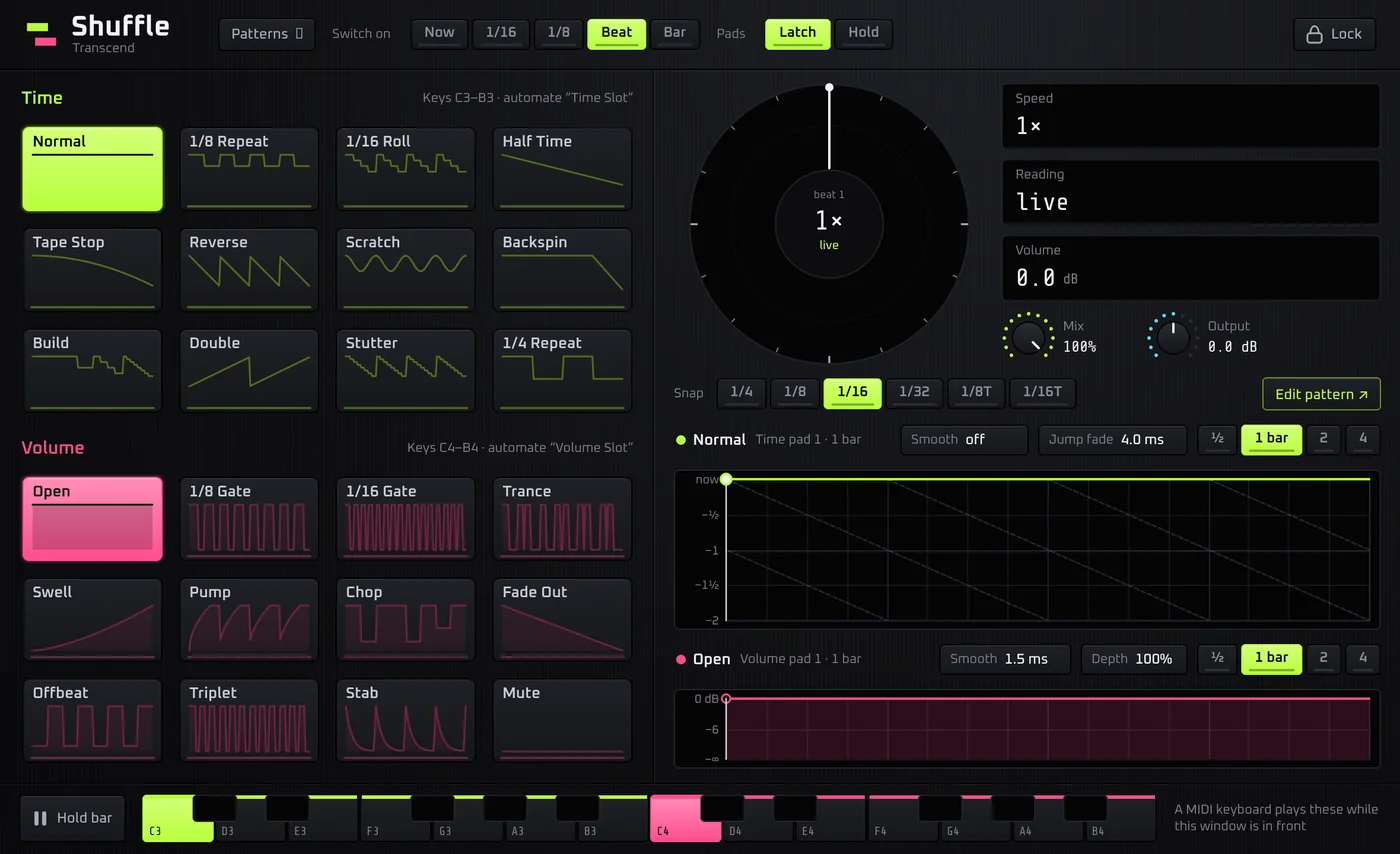
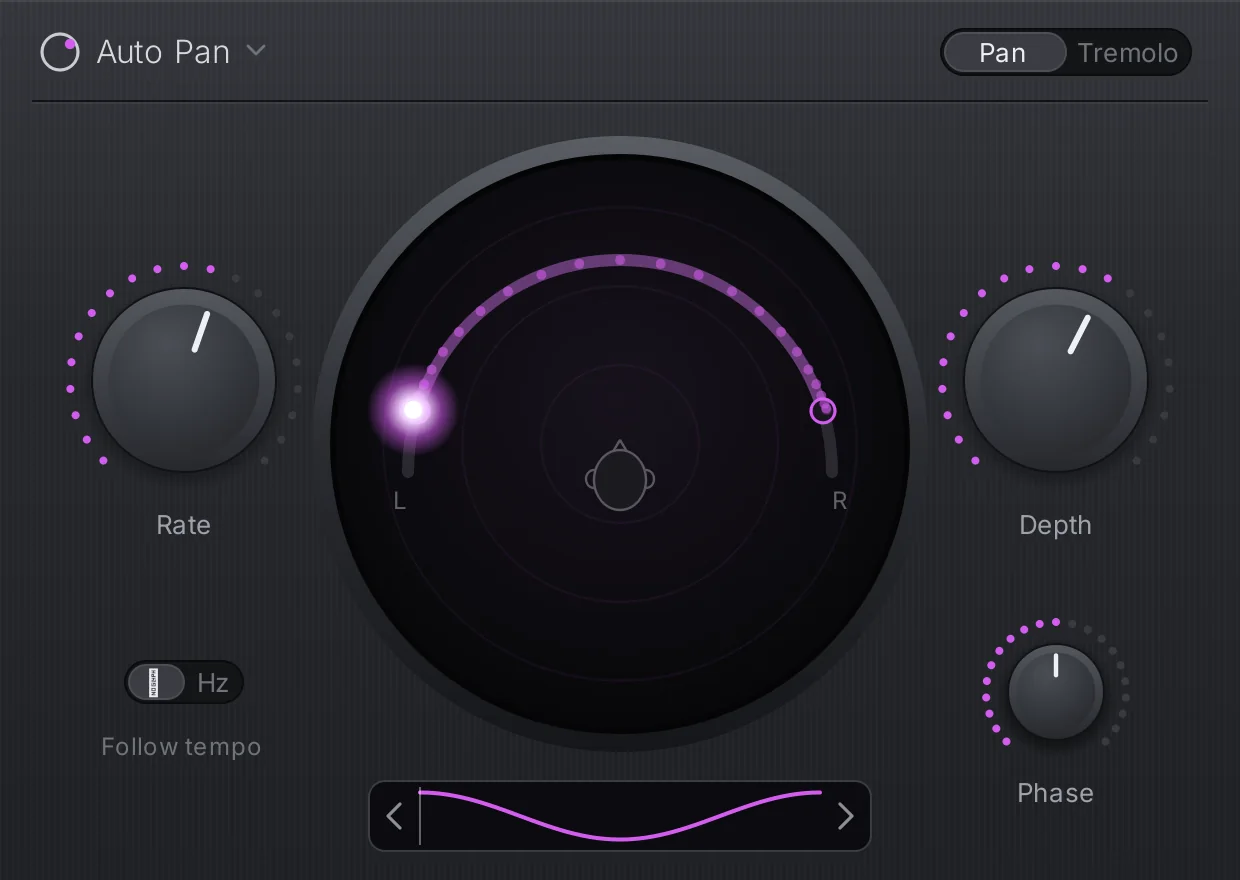
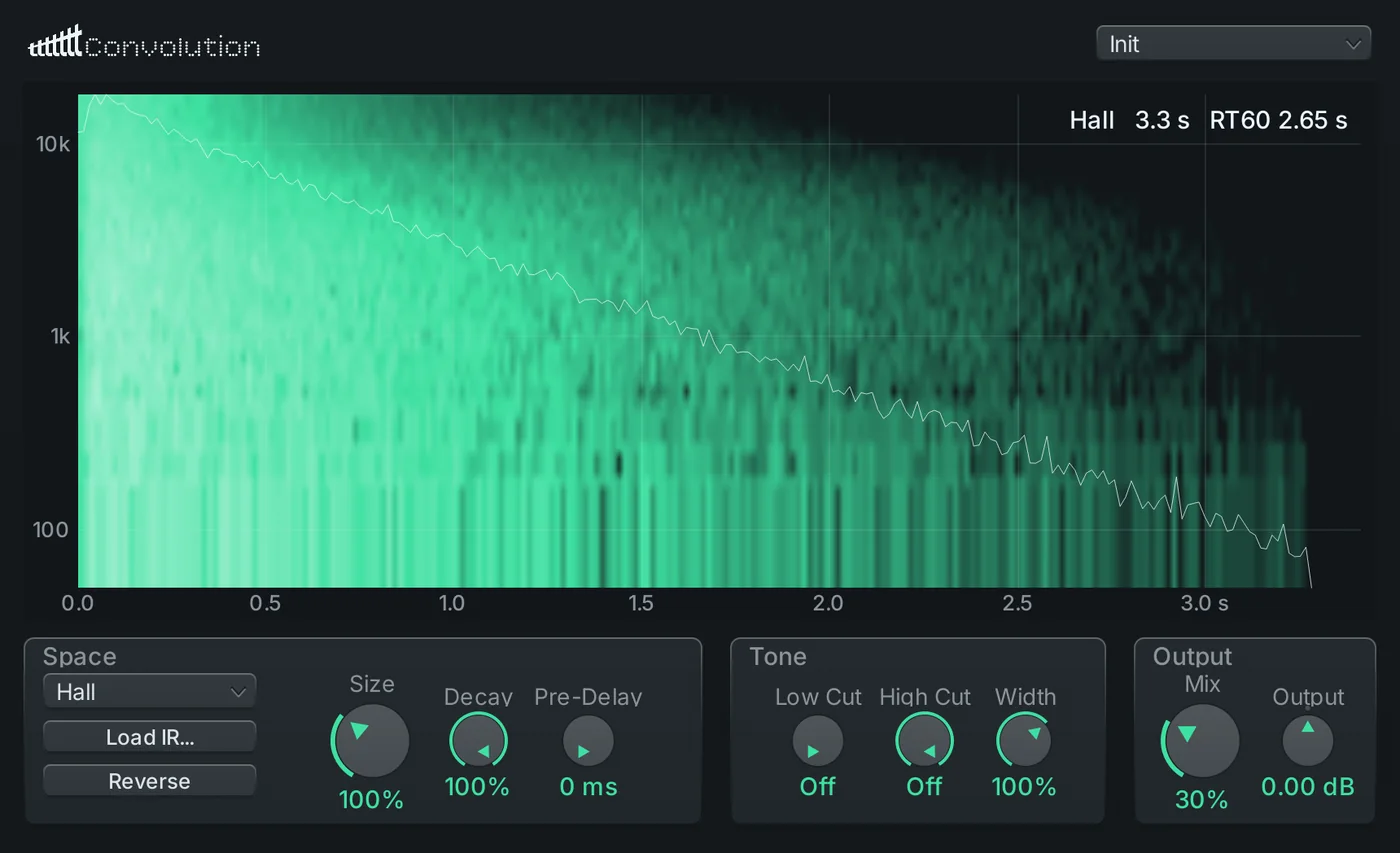
Every instrument and effect is tested with real audio through the shipping plugin, and the suite keeps growing with the updates. Transcend Strings and Auto Pan are the newest.
- 35.1 dB
- less aliasing, with Saturation’s 4x oversampling
- 0.42 dB
- at most, between the EQ’s drawn curve and what you hear
- 0.04 dB
- of level drift across Saturation’s whole drive range
Built for the details.
The parts you notice when another DAW gets them wrong.
-
Audio to MIDI
Turn a recording into notes. On 360 real guitar takes it beats Basic Pitch, the model it builds on.
-
Audio that follows the tempo
Warped clips follow every tempo change. Detect read 91% of 615 real loops exactly.
-
Takes land where you played
Within 0.54 ms of the grid, measured at every buffer size.
-
A mixer 128 tracks deep
Folders, VCAs, sends, and sidechains that work on third-party plugins too.
-
Send it to anyone
Share Project renders what needs your plugins to audio and zips the rest.
-
Survives a crash
Unsaved work is snapshotted as you go and offered back on the next launch.
Coming soon
Watch the trailer.
Just over a minute of what Transcend does, set to a beat made in Transcend.
And so much more.
What’s coming, and what you’d like to see. Pin an idea: Javid reads every one, and the ones he picks go up here.
-
Drag a sung note to a new pitch
In testing, from Javid
-
See and hear what a collaborator changed in your song
In testing, from Javid
-
Take one pattern or mixer chain from another song
Designed, from Javid
-
A new extension system for designing your own interface
In development, from Javid
Notes appear once approved. No links, and be kind.
Windows and Mac.
The same Transcend on both, and your projects open on either.
Windows
- System
- Windows 10 or 11, 64-bit
- Plugins
- VST3, VST2 (64 and 32-bit), CLAP
- Audio
- ASIO, or Windows’ own audio
The beta installer isn’t code-signed yet, so Windows may warn you the first time. Choose More info, then Run anyway.
Mac
- System
- macOS 13 Ventura or later
- Plugins
- VST3, CLAP, Audio Units
- Audio
- Core Audio
The Mac download follows once Apple has notarised it. Tested on Intel Macs so far.
Want to test it for free?
A few testers get a free licence in return for reporting what they find. Apply, and if you’re picked, we’ll email you.
We keep your email, the link you came from and the date, only to answer your application. We never share or sell it. Ask on Discord and we'll delete it. More in the privacy policy.